
Gmail SMTP Configuration
Under Admin Console > Branding > Email-SMS-Provider select Gmail from the list of SMTP providers. The SMTP Host and Port fields are automatically populated, and SSL is enabled by default. Fill in the remaining required fields:
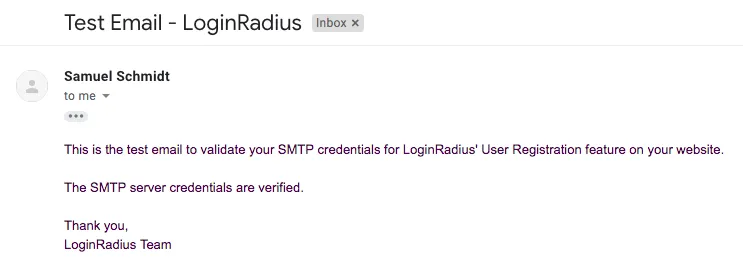
Click Verify & Save to send a test email using the new SMTP configuration. If successful, you will receive an email confirming your SMTP configuration is valid:
note
If the test email fails to send, refer to Google's troubleshooting steps under Use the Gmail SMTP Server. Please contact the LoginRadius Support Team if further assistance is required.