
Overview
Auth Studio in the LoginRadius Admin Console helps you to build the authentication and account management flows that LoginRadius hosts and serves for you.
When a user needs to sign in, your application sends them to the hosted login page. After they authenticate, LoginRadius redirects them back to your application.
Use Auth Studio when you want a consistent identity experience across one or more applications without running the front end for it. Because LoginRadius hosts the pages, there is no front end for you to deploy or maintain, the same pages can serve both web and mobile applications, and the experience stays consistent everywhere the pages are used. You control the layout, styling, and text, and you publish to your LoginRadius domain or your own custom domain.
What is a template?
The unit you work with is a template. You design a template in Auth Studio and then deploy it. A template bundles three parts that are assembled and served together as one hosted page: Pages, Styles, and Localization.
Styles
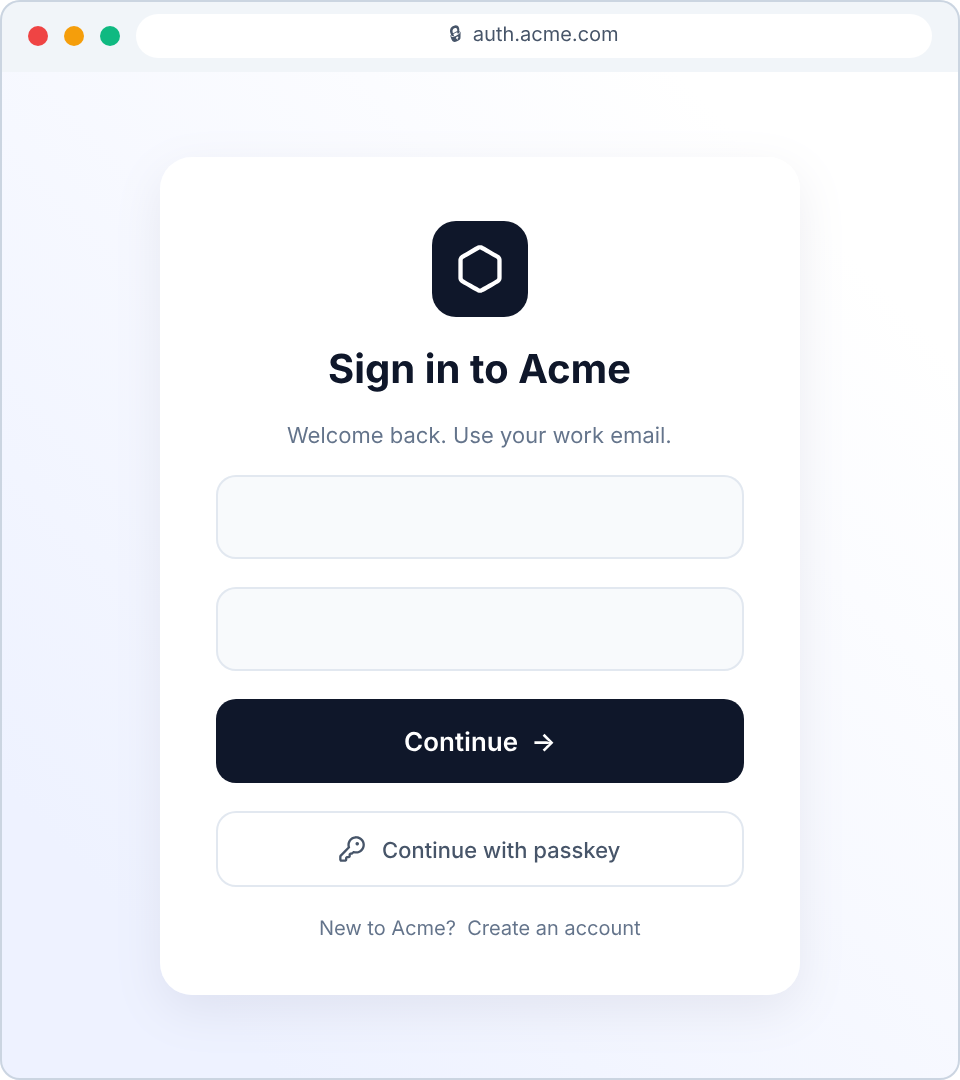
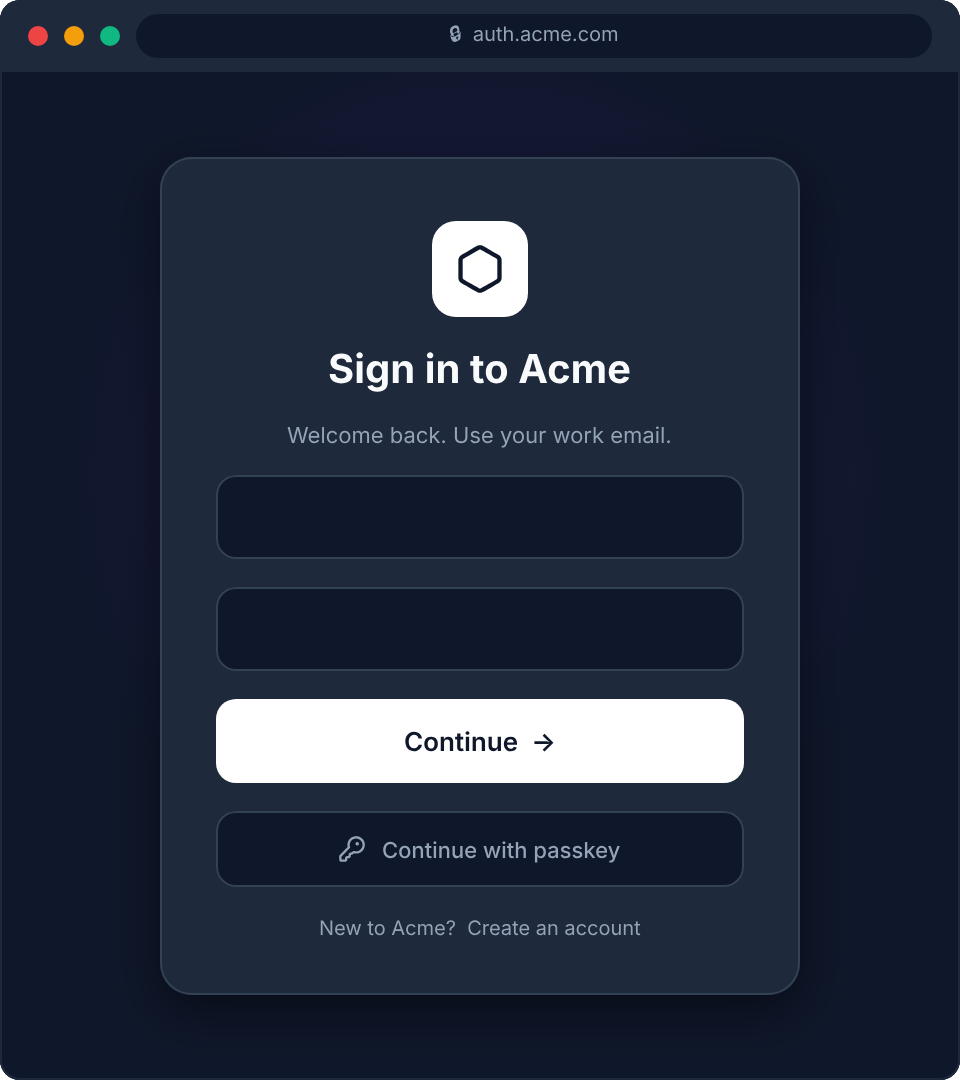
Use Styles to control the visual appearance of the login box and keep branding consistent across the Auth, Profile, and Workflow pages. You adjust human-readable properties such as logo, background, typography, card, buttons, inputs, links, social buttons, and footer. Each property is backed by a CSS variable you can reuse in your own HTML, and a Style set supports light and dark variants. For the full property and CSS variable reference, see Styles.
Use cases
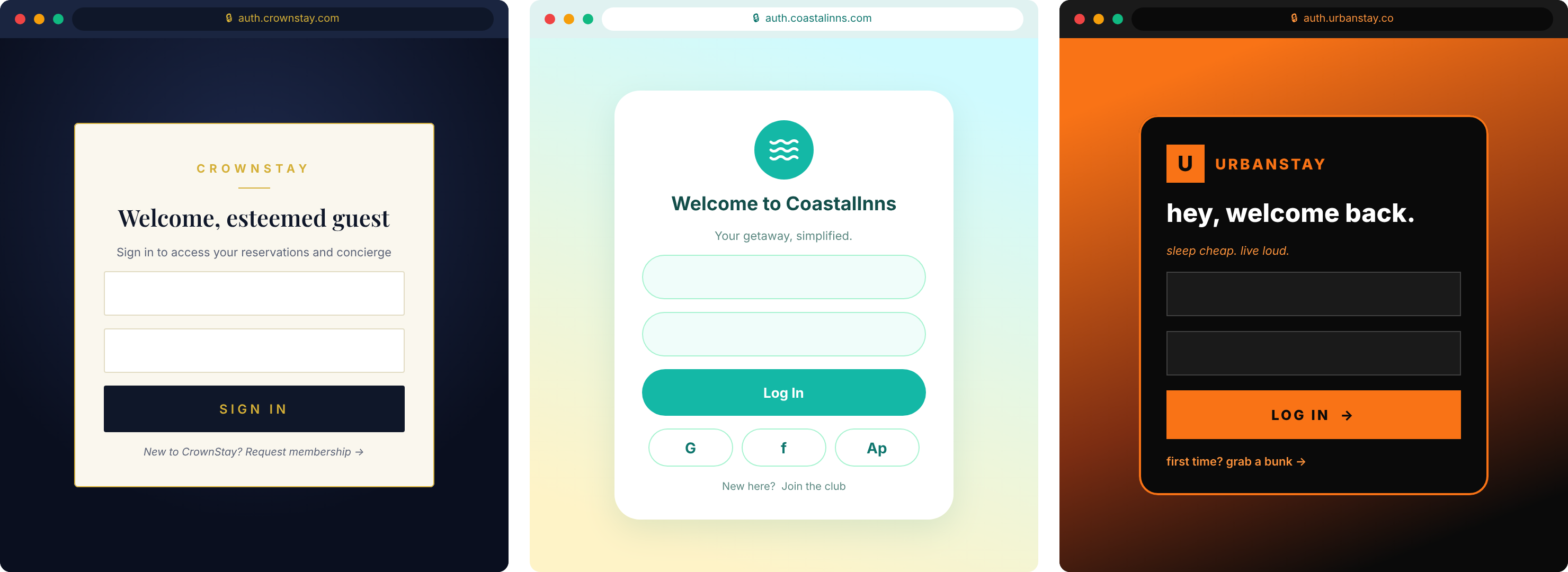
Common ways teams use Styles to brand the login experience, from a single product to a portfolio of brands.
Match a single product to its brand with one themed template and light and dark variants, served from its own domain.
Give a portfolio of brands a separate Style set and template per brand, each mapped to its own custom domain from a single identity backend. See Multiple Custom Domains for how domain mapping and per-domain branding are configured.
Localization
Use Localization to translate the text on every screen of the auth journey, including titles, descriptions, labels, placeholders, buttons, and error messages. The browser's preferred language is detected automatically. You can add as many languages as you need and edit each screen's text per language. For the full list of screens and how to add a language, see Localization.
Pages
Use Pages to control the structure and behavior of the Auth, Profile, and Workflow screens. Each page is editable as code through HTML, BeforeScript, CustomCSS, and CustomJS, so you can change the entire look and feel of a template, from the default form to a fully custom experience. The login box mounts into a mandatory container that you keep in your HTML. For details on each field, see Pages.
Use cases
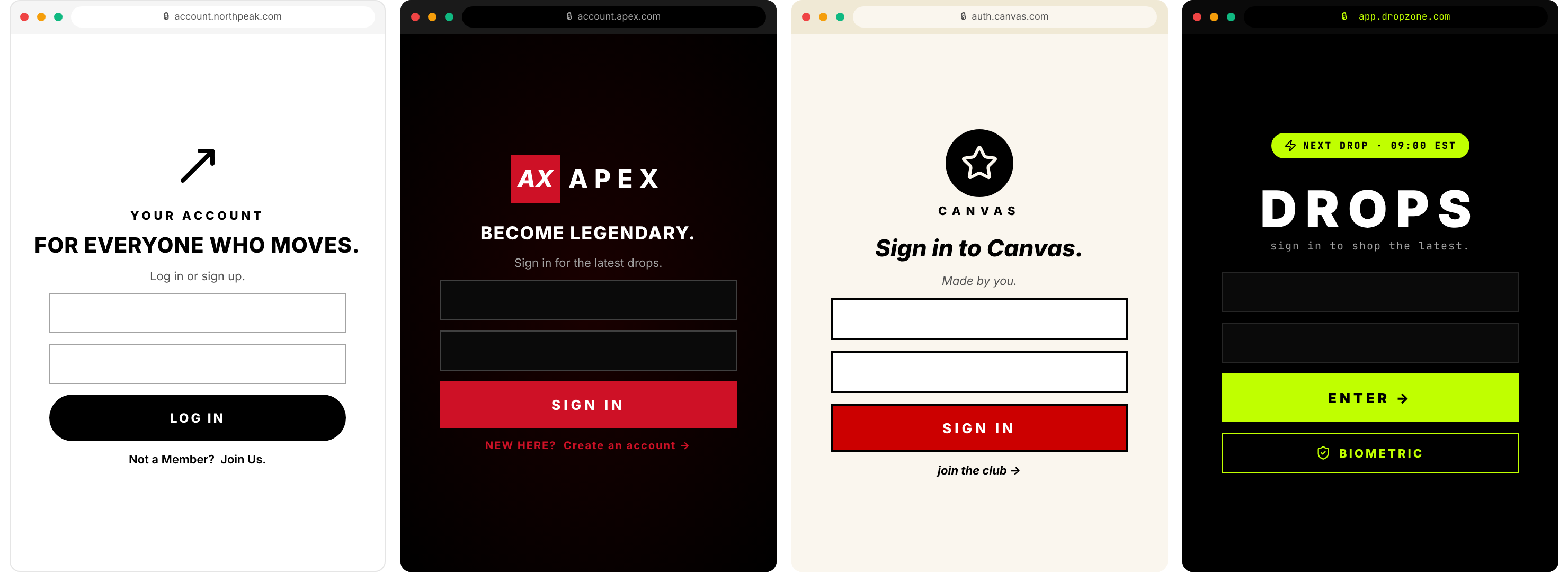
A common way teams use Pages to build a fully custom experience by editing the page code.
Edit the page code to build a fully custom experience. Large organizations use this to run many brands across regions and campaigns, each with its own template and heavily customized pages.
How it works
Building and publishing a hosted page happens entirely in the Admin Console, in four steps.
Inside the Admin Console, open Branding → Auth Studio, the workspace where every template lives.
Start from scratch, a pre-built layout, or with AI. One template is marked as the default.
Publish the template from Deploy and Preview. It goes live on your LoginRadius Hosted domain or a custom domain you have mapped.
Other implementation approaches
Auth Studio is one of several ways to integrate LoginRadius. If you need more control than hosted pages provide, consider these alternatives.
Build multi-step identity flows such as MFA, step-up authentication, conditional branching, progressive profiling, and custom scripts.
Embed the identity UI directly in your application with full control over the markup, using the frontend SDKs.
Call the REST APIs directly for server-side rendering, unsupported frameworks, or full programmatic control.
Auth Studio and Identity Orchestration are complementary. Identity Orchestration defines the flow logic. The Workflow page in a template is the surface an orchestration flow renders into.