Authenticate
Kitura
OpenStreetMap

OpenStreetMap login on Kitura app

Implement OpenStreetMap Authentication/Login on your Kitura App using LoginRadius

KituraKitura
plus
OpenStreetMapOpenStreetMap

Unmatched Performance

You’ll never need to worry about the infrastructure.
1.5B+

Identities Secured

28+

Data Centers

100%

Uptime

200K

RPS Scaling

Start OpenStreetMap Implementation Using LoginRadius Admin Console
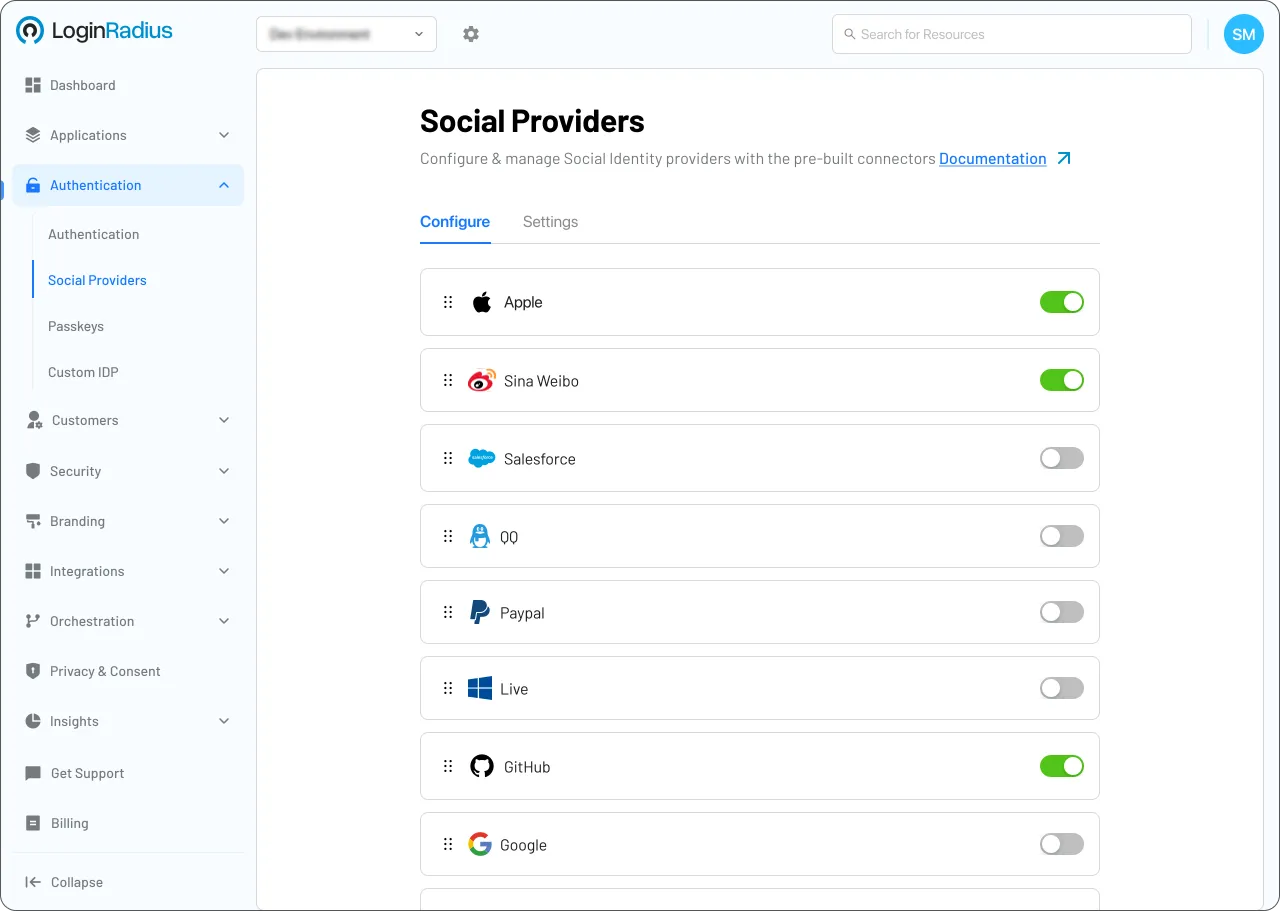
Descriptive Alt Text

Trusted by Developers

From Startups to Fortune 500 Companies
Tech Logo 1Tech Logo 2Tech Logo 3Tech Logo 4Tech Logo 5Tech Logo 6Tech Logo 7Tech Logo 8

JAVA Library

This document contains information and examples regarding the LoginRadius JAVA SDK.

You might also be interested in

OpenStreetMap on other apps

Struts

OpenStreetMap with Struts

Zendesk

OpenStreetMap with Zendesk

Quasar

OpenStreetMap with Quasar

RedwoodJS

OpenStreetMap with RedwoodJS

Other social logins for your Kitura apps

Yammer

Yammer with Kitura

PingFederate/PingOne

PingFederate/PingOne with Kitura

PingOne

PingOne with Kitura

Box

Box with Kitura

Other features for your Kitura apps
Session Timeout Policy

Session Timeout Policy with Kitura

Roles and Membership

Roles and Membership with Kitura

IP Whitelisting

IP Whitelisting with Kitura

Account Linking

Account Linking with Kitura

Customer Identity, Simplified.

No Complexity. No Limits.
Thousands of businesses trust LoginRadius for reliable customer identity. Easy to integrate, effortless to scale.

See how simple identity management can be. Start today!