OpenStreetMap login on Kitura app
Implement OpenStreetMap Authentication/Login on your Kitura App using LoginRadius
 Kitura
 OpenStreetMap
Unmatched Performance
You’ll never need to worry about the infrastructure.
1.5B+
Identities Secured
28+
Data Centers
100%
Uptime
100K
RPS Scaling
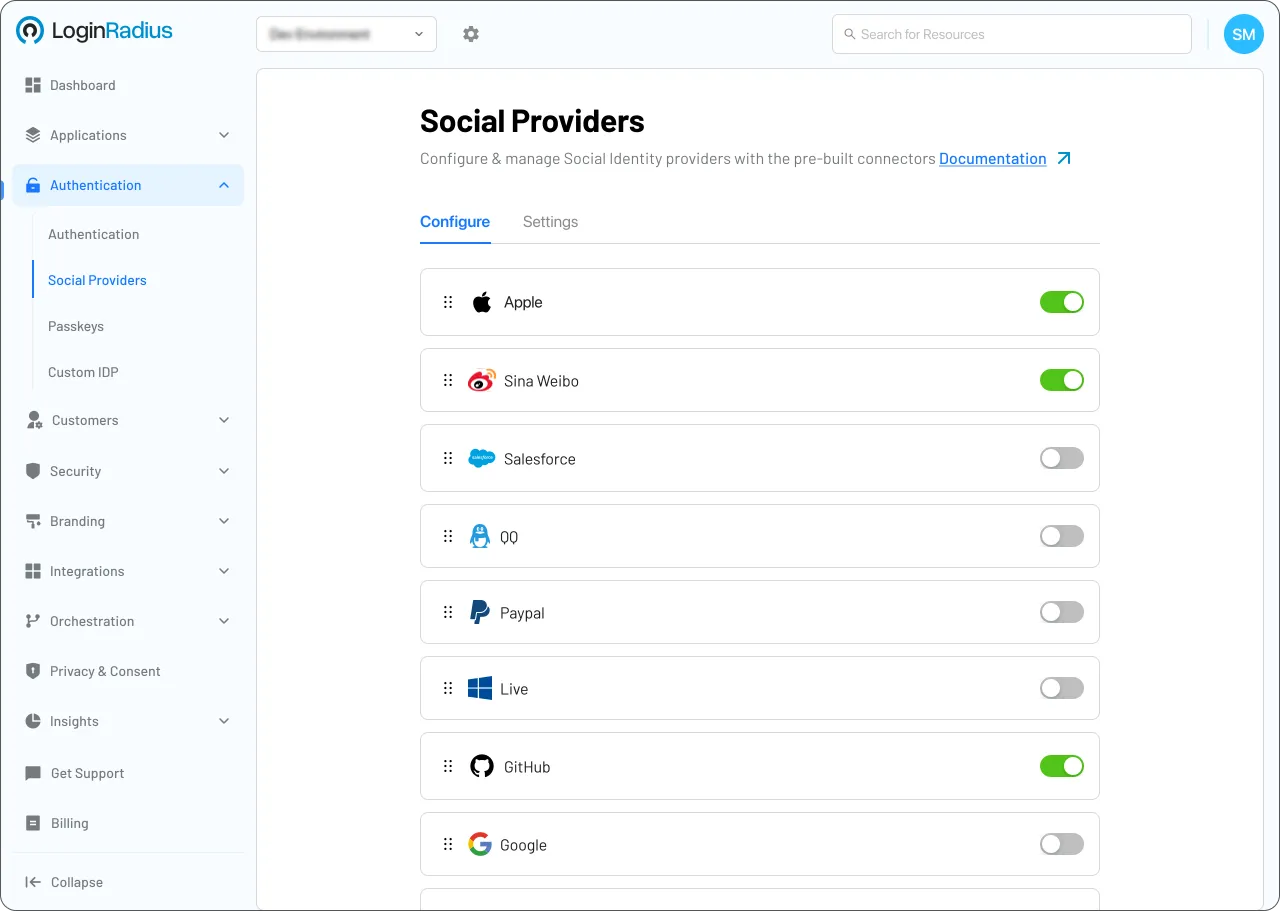
Start OpenStreetMap Implementation Using LoginRadius Admin Console
Trusted by Developers
From Startups to Fortune 500 Companies








JAVA Library
This document contains information and examples regarding the LoginRadius JAVA SDK.
You might also be interested in
OpenStreetMap on other apps

OpenStreetMap with Go

OpenStreetMap with Cakephp

OpenStreetMap with Zendesk

OpenStreetMap with Marko
Other social logins for your Kitura apps

Apple Native with Kitura

Basecamp with Kitura

Foursquare with Kitura

Zalo with Kitura
Other features for your Kitura apps

Session Timeout Policy with Kitura

Biometric Authentication with Kitura

Google Authenticator with Kitura