Implement SSO with Okta Workforce Identity using Lithium
See how to connect Okta Workforce Identity to your Lithium app and deliver seamless enterprise logins.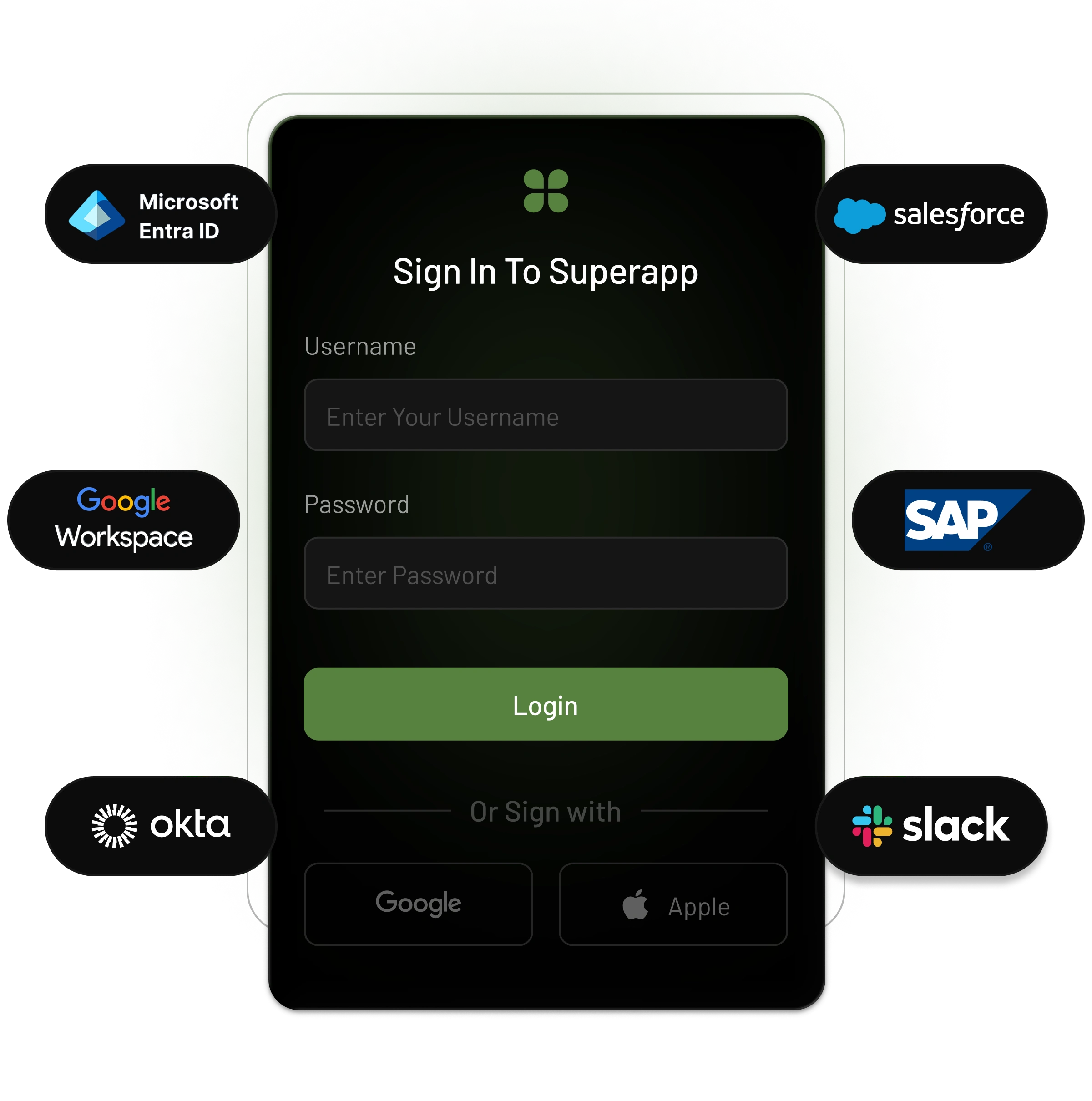
How it Works
Integrating LoginRadius with your Lithium application helps you:
- Set up enterprise SSO with minimal configuration.
- Manage authentication centrally for all your SaaS environments.
- Improve security without adding complexity to your code.
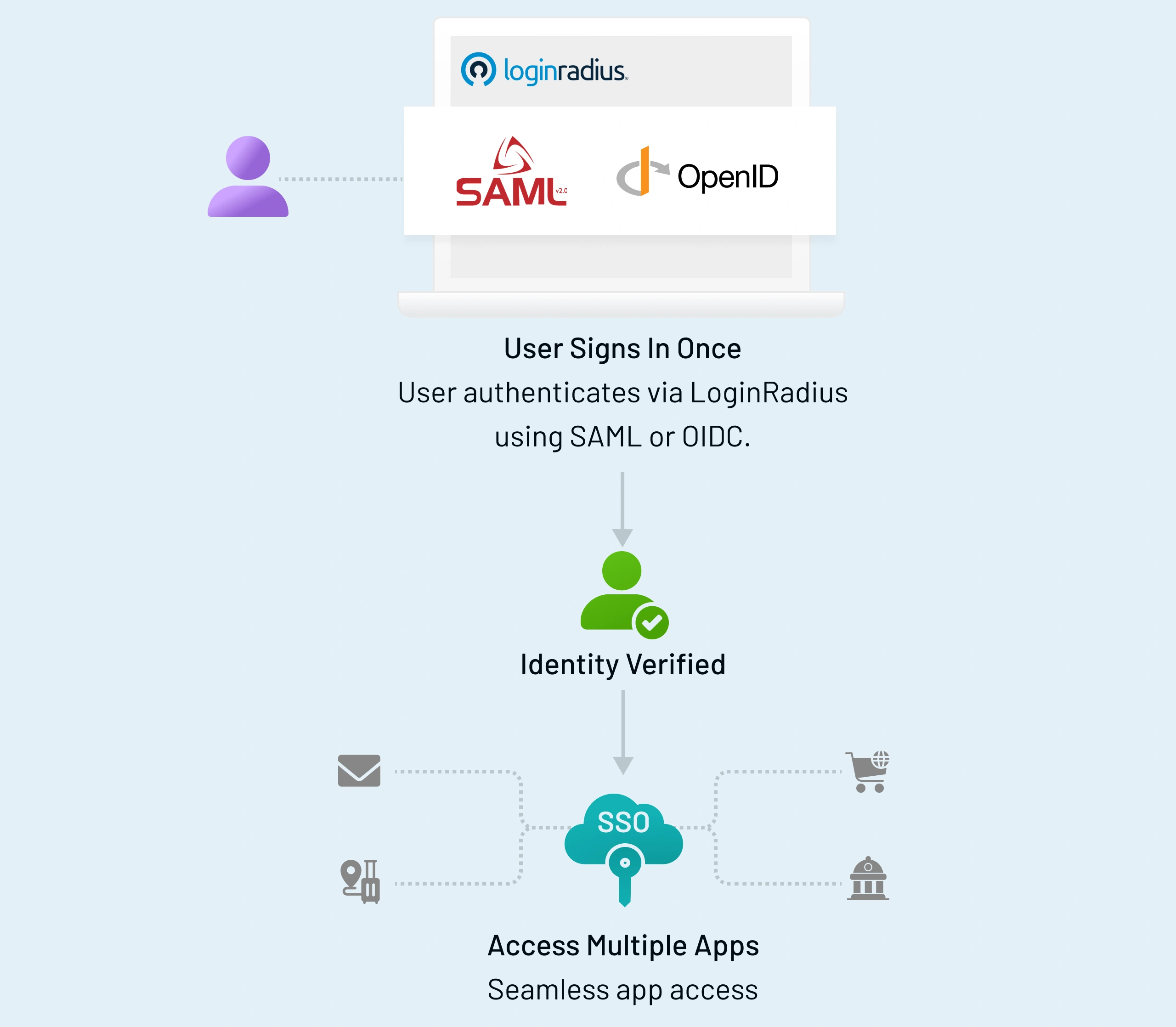
Quick Start Guide
Once connected, users can log in with their corporate credentials, while LoginRadius manages tokens, sessions, and policy enforcement behind the scenes.
Install PHP SDK
composer require loginradius/php-sdkSet Up Identity Provider
Create an application in Okta Workforce Identity and configure the SAML or OIDC settings. Add the LoginRadius ACS URL, Entity ID, and redirect URIs, then download the IdP metadata.
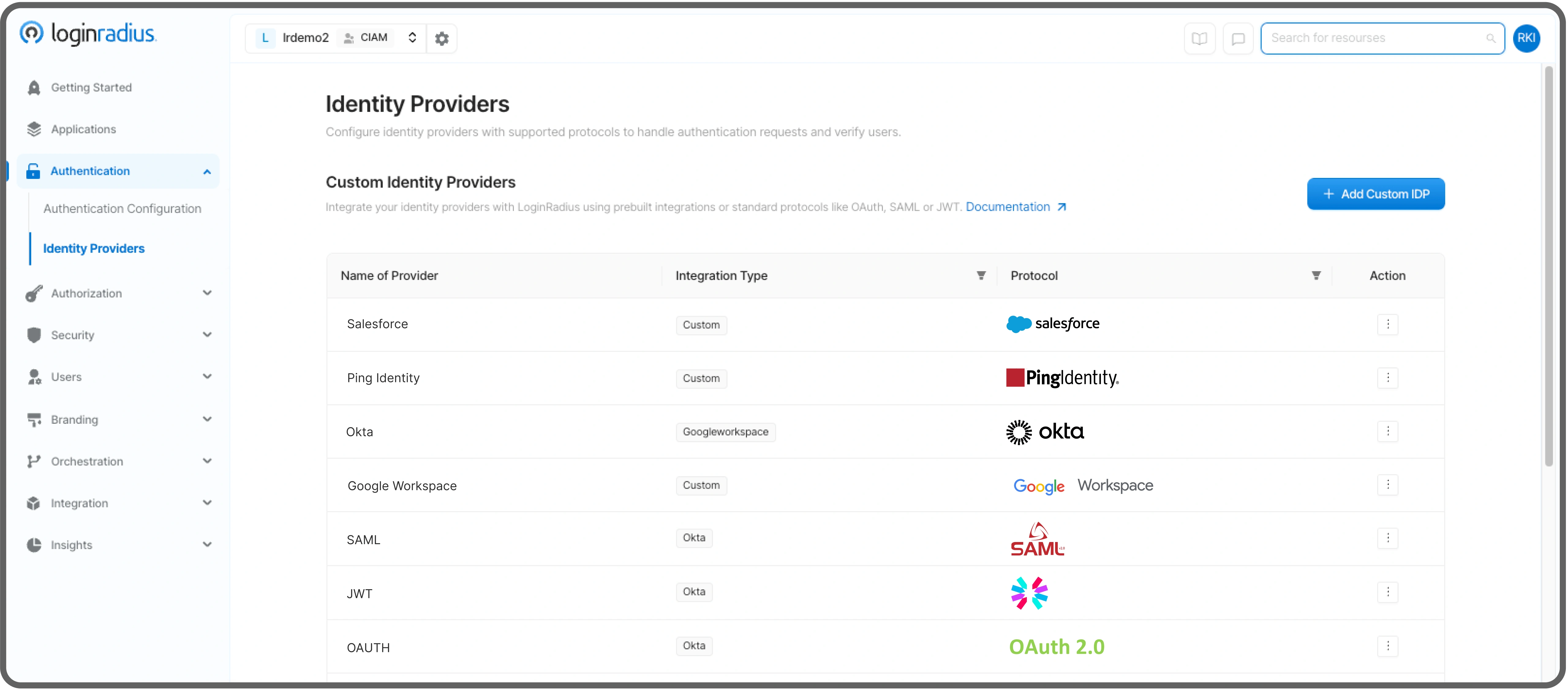
Add Identity Provider to LoginRadius
Go to Authentication → Identity Providers → Custom Identity Providers in the LoginRadius Admin Console. Create a new SAML/OIDC connection and upload the metadata or discovery details from Okta Workforce Identity.
Integrate LoginRadius with Go
Use the LoginRadius SDK or REST API for Go to handle authentication redirects, callbacks, and token validation. Map user claims such as email, name, and groups from Okta Workforce Identity to LoginRadius and your app.
Test and Deploy
Test the entire authentication flow locally. Once verified, deploy your Lithium application and confirm that users can log in through Okta Workforce Identity seamlessly.
Supported Protocols
OAuth
OIDC & JWT
Supported Protocols
SAML
OAuth
OIDC & JWT
Key Highlights Section
SDKs and Libraries
Seamlessly integrate federation into your apps with open-source SDKs and libraries for Android, iOS, and popular web technologies and frameworks.API Reference
Developer-friendly RESTful APIs and documentation that help you get going with any implementation.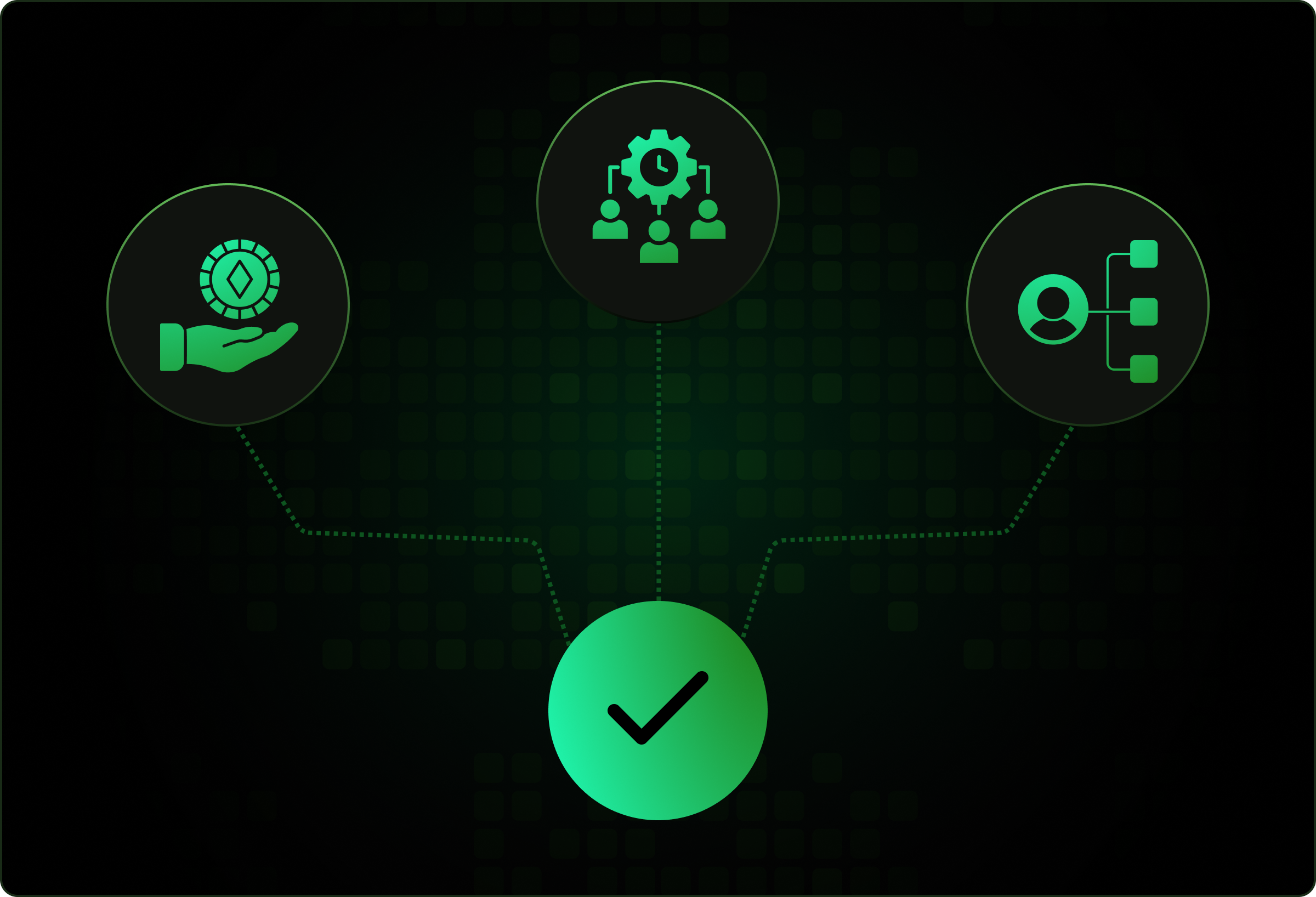
Simplifies token handling, session management, and user claim mapping.
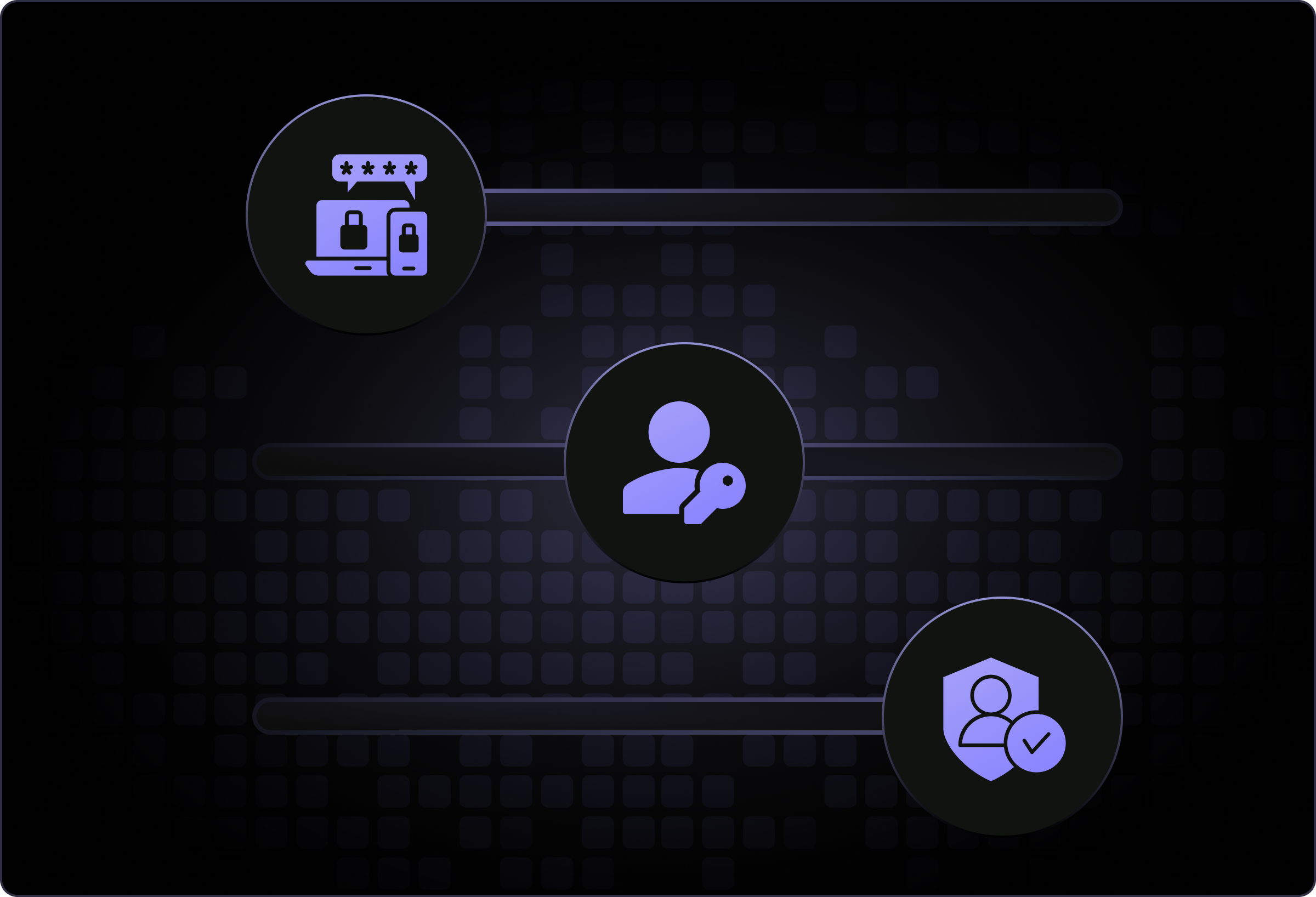
Includes built-in options for MFA, passkeys, and adaptive authentication.
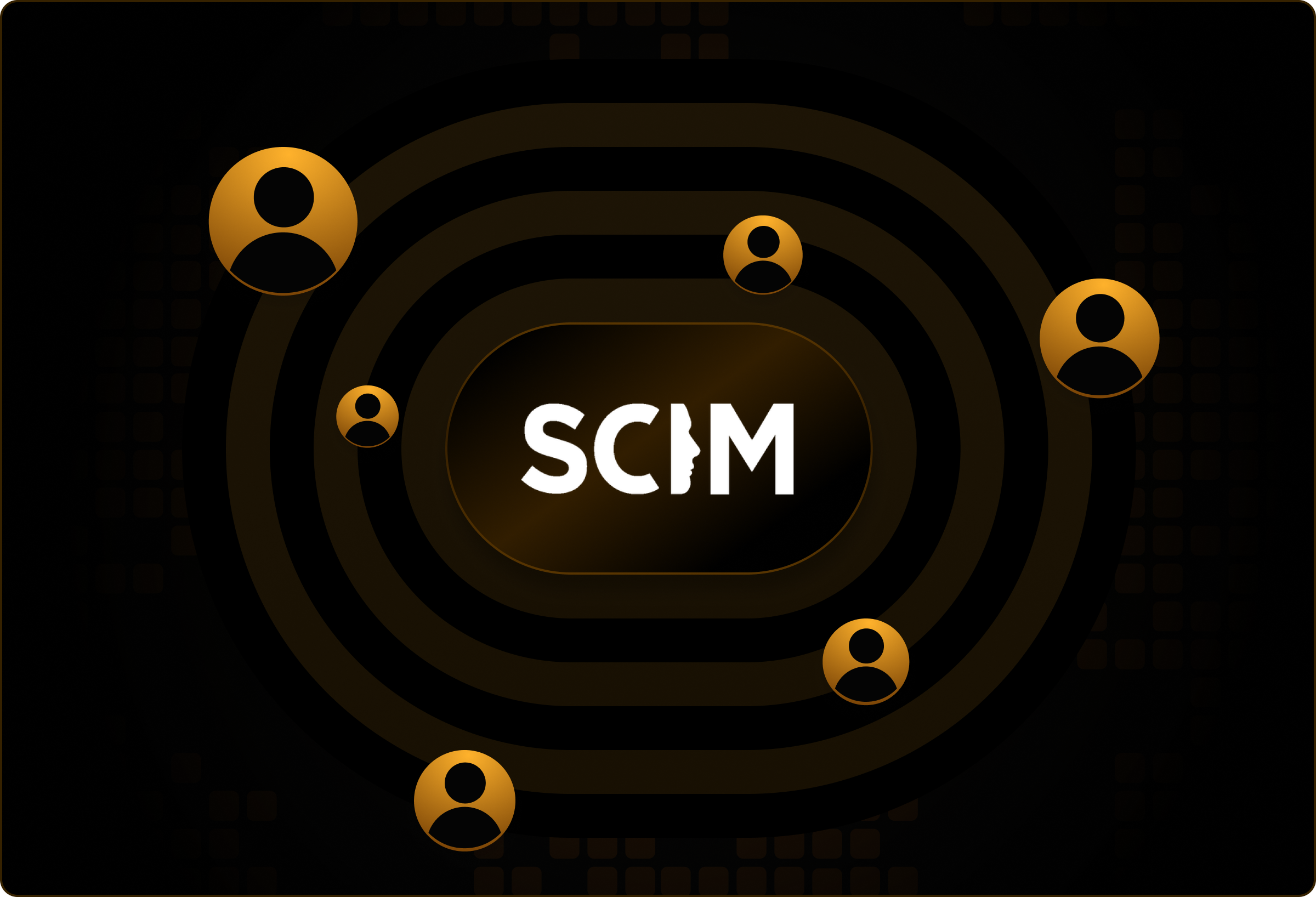
Offers SCIM provisioning to automatically sync users and groups.
Provides centralized configuration and policy control through the LoginRadius Admin Console.
Built for B2B SaaS scale; offers tenant isolation, audit logs, and 99.99% uptime SLAs.
Troubleshooting & Quick Fixes
Login Loop After Redirect
401 Unauthorized or Invalid Token
User Assigned but Can’t Log In
Missing or Incorrect User Attributes
SAML Certificate or Signature Error
MFA or Passkey Not Triggering
Interactive Resources