Features
Coldfusion
Password Policy

Password Policy on Coldfusion app

Implement Password Policy Authentication/Login on your Coldfusion App using LoginRadius

ColdfusionColdfusion
plus
Password PolicyPassword Policy

Built for Developers
Performs for Enterprise Scale!

Try our platform for free or talk to our CIAM expert to book a customer demo.
1.5B+

Identities

28+

Data Centers

100%

Uptime

100K

RPS Scaling

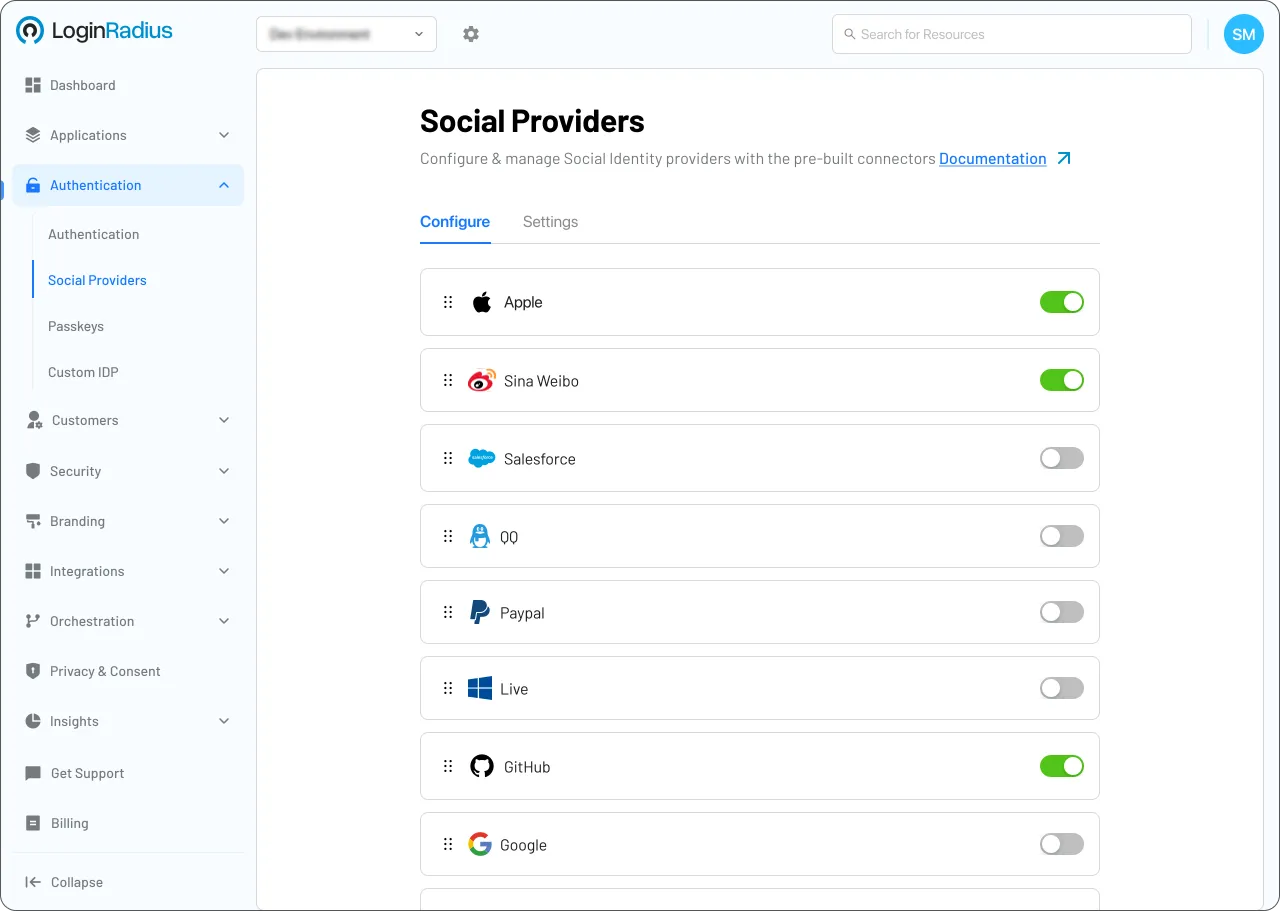
Start Password Policy Implementation Using LoginRadius Admin Console
Descriptive Alt Text
1

Go to Security > Password Management > Password Policy.

2

Define parameters like Minimum Length, Expiration, and History.

3

Save the policy to apply it to all authentication forms.

Trusted by Developers

From Startups to Fortune 500 Companies
Tech Logo 1Tech Logo 2Tech Logo 3Tech Logo 4Tech Logo 5Tech Logo 6Tech Logo 7Tech Logo 8

Interactive Resources

Detailed Case Study

C-Quence | Case Study | LoginRadius

You might also be interested in

Password Policy on other apps

Mojarra

Password Policy with Mojarra

BigCommerce

Password Policy with BigCommerce

Kit

Password Policy with Kit

Laravel

Password Policy with Laravel

Other features for your Coldfusion apps

Roles & Permissions (RBAC)

Roles & Permissions (RBAC) with Coldfusion

Account Lockout Policy

Account Lockout Policy with Coldfusion

Roles and Membership

Roles and Membership with Coldfusion

Risk-Based Authentication

Risk-Based Authentication with Coldfusion

Social Identity Providers for your Coldfusion apps

Odnoklassniki

Odnoklassniki with Coldfusion

GitLab

GitLab with Coldfusion

Deutsche Telekom

Deutsche Telekom with Coldfusion

Battle.net

Battle.net with Coldfusion

Customer Identity, Simplified.

No Complexity. No Limits.
Thousands of businesses trust LoginRadius for reliable customer identity. Easy to integrate, effortless to scale.

See how simple identity management can be. Start today!