Microsoft Authenticator on Ember.js app
Implement Microsoft Authenticator Authentication/Login on your Ember.js App using LoginRadius
 Ember.js
 Microsoft Authenticator
Built for Developers
Performs for Enterprise Scale!
Try our platform for free or talk to our CIAM expert to book a customer demo.
1.5B+
Identities
28+
Data Centers
100%
Uptime
100K
RPS Scaling

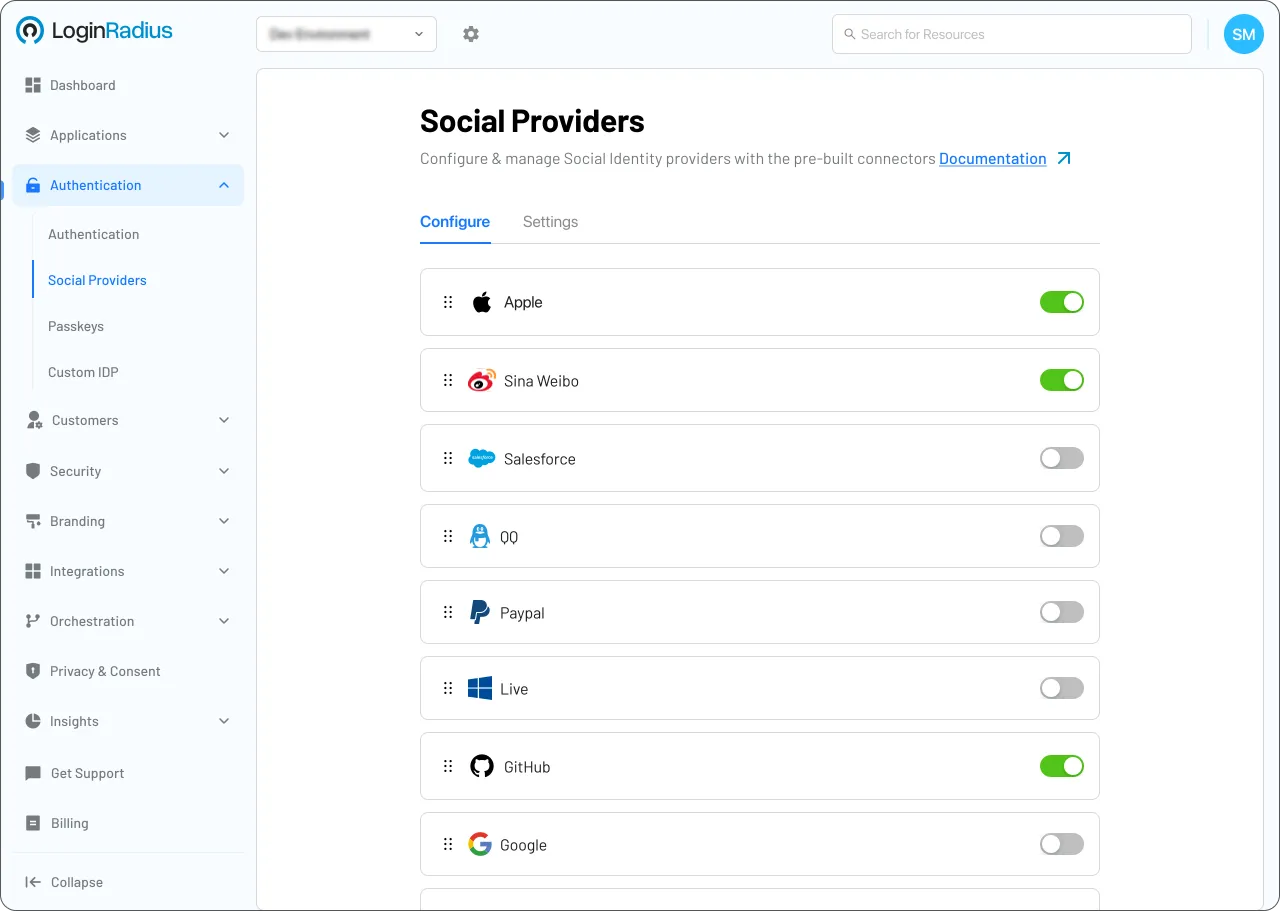
Start Microsoft Authenticator Implementation Using LoginRadius Admin Console
1
Access the Admin Console and navigate to the MFA section.
2
Set up your ID for Google/Microsoft to identify your application.
3
Configure QR code specifications or make MFA mandatory.
Trusted by Developers
From Startups to Fortune 500 Companies








Interactive Resources

Detailed Case Study

You might also be interested in
Microsoft Authenticator on other apps

Microsoft Authenticator with Fastify

Microsoft Authenticator with Meteor

Microsoft Authenticator with Phalcon

Microsoft Authenticator with Inferno
Other features for your Ember.js apps

User Self-Service with Ember.js
OTP Login with Ember.js

Privacy Policy with Ember.js
Social Login with Ember.js
Social Identity Providers for your Ember.js apps

Odnoklassniki with Ember.js

OAuth2 with Ember.js

Vkontakte with Ember.js