
Brute-Force Defense on Kit app
Implement Brute-Force Defense Authentication/Login on your Kit App using LoginRadius
 Kit
Kit
 Brute-Force Defense
Built for Developers
Performs for Enterprise Scale!
Try our platform for free or talk to our CIAM expert to book a customer demo.
1.5B+
Identities
20+
Data Centers
100%
Uptime
100K
RPS Scaling

Start Brute-Force Defense Implementation Using LoginRadius Admin Console
1
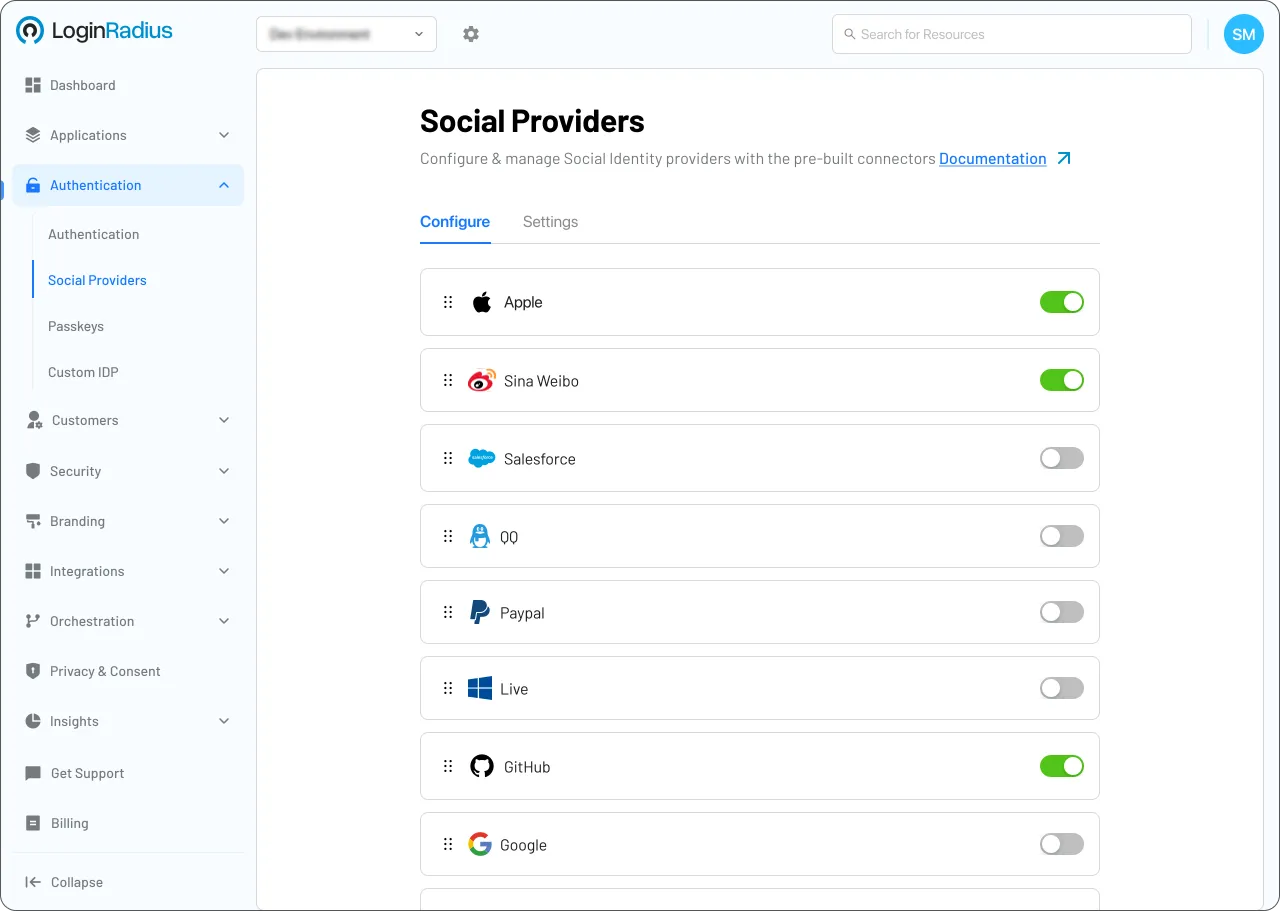
Navigate to Security > User Security > Attack Protection > Brute Force Lockout in the Admin Console.
2
Set the Threshold for the maximum number of failed login or password reset attempts.
3
Define the Lockout Type (Suspend, Block, Captcha, or Security Question) and duration, then click Save.
Trusted by Developers
From Startups to Fortune 500 Companies








Interactive Resources

Detailed Case Study

You might also be interested in
Brute-Force Defense on other apps

Brute-Force Defense with Restify

Brute-Force Defense with Sails
Brute-Force Defense with Ruby on Rails

Brute-Force Defense with Yii
Other features for your Kit apps

Breached-Password Protection with Kit

Session Management with Kit

Custom Domains with Kit
Custom User Attributes with Kit
Social Identity Providers for your Kit apps

Salesforce with Kit

Odnoklassniki with Kit

Groundspeak with Kit
