
Roles & Permissions (RBAC) on Macaron app
Implement Roles & Permissions (RBAC) Authentication/Login on your Macaron App using LoginRadius
 Macaron

 Roles & Permissions (RBAC)
Built for Developers
Performs for Enterprise Scale!
Try our platform for free or talk to our CIAM expert to book a customer demo.
1.5B+
Identities
20+
Data Centers
99.99%
Uptime
100K
RPS Scaling

Start Roles & Permissions (RBAC) Implementation Using LoginRadius Admin Console
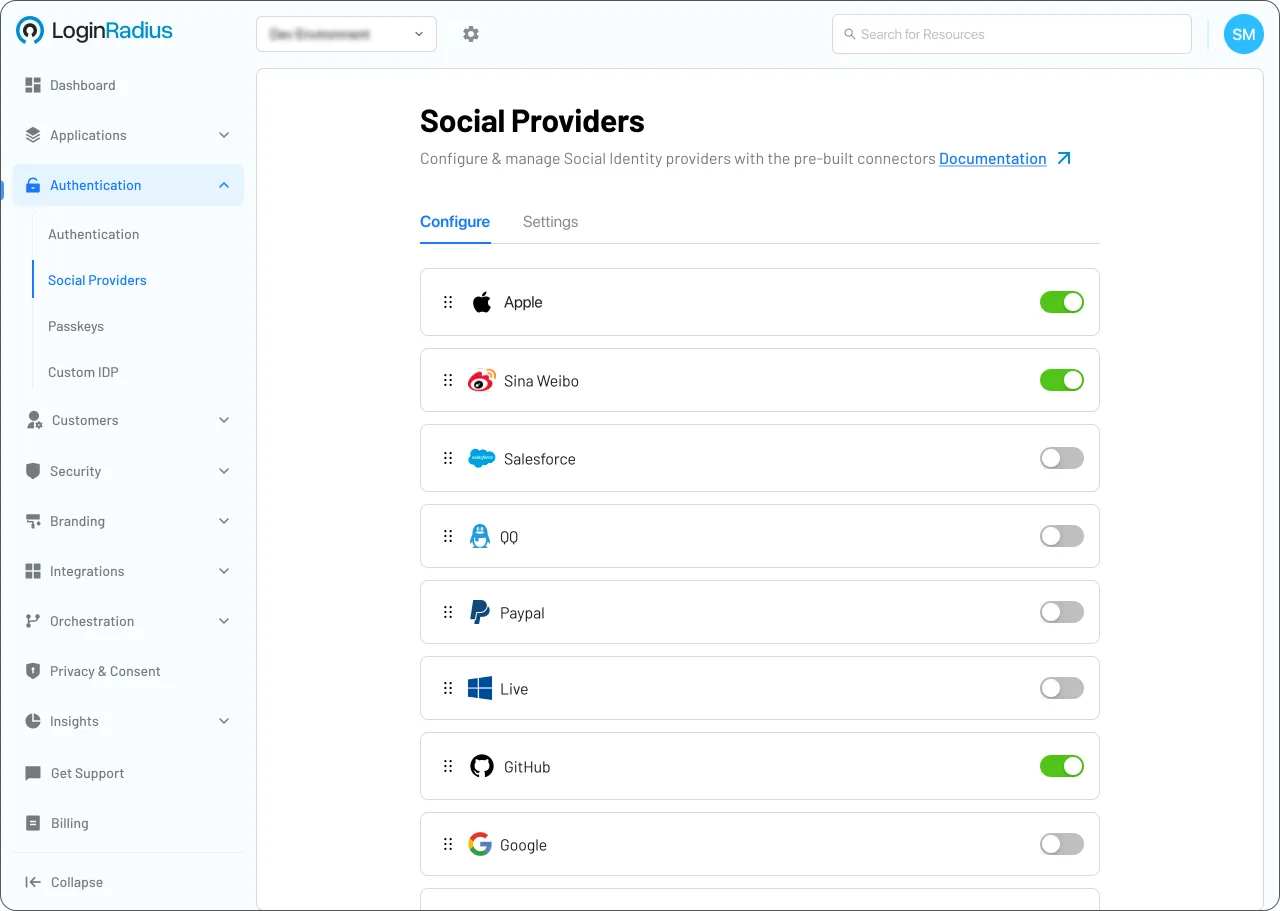
1
Log in as a Super Admin.
2
Click RBAC Settings in the Identity Platform.
3
Click Enable RBAC and assign the Super Admin role to specific users or groups.
Trusted by Developers
From Startups to Fortune 500 Companies








Interactive Resources

Detailed Case Study

You might also be interested in
Roles & Permissions (RBAC) on other apps

Roles & Permissions (RBAC) with Poem

Roles & Permissions (RBAC) with Zendesk

Roles & Permissions (RBAC) with iOS

Roles & Permissions (RBAC) with Tide
Other features for your Macaron apps

Data Export & Portability with Macaron

Anonymous Login with Macaron

Account Administration with Macaron

Progressive Profiling with Macaron
Social Identity Providers for your Macaron apps

Intel Cloud Services with Macaron

Shopify with Macaron

Notion with Macaron