CAPTCHA / reCAPTCHA on Phalcon app
Implement CAPTCHA / reCAPTCHA Authentication/Login on your Phalcon App using LoginRadius
 Phalcon
 CAPTCHA / reCAPTCHA
Built for Developers
Performs for Enterprise Scale!
Try our platform for free or talk to our CIAM expert to book a customer demo.
1.5B+
Identities
20+
Data Centers
99.99%
Uptime
100K
RPS Scaling

Start CAPTCHA / reCAPTCHA Implementation Using LoginRadius Admin Console
1
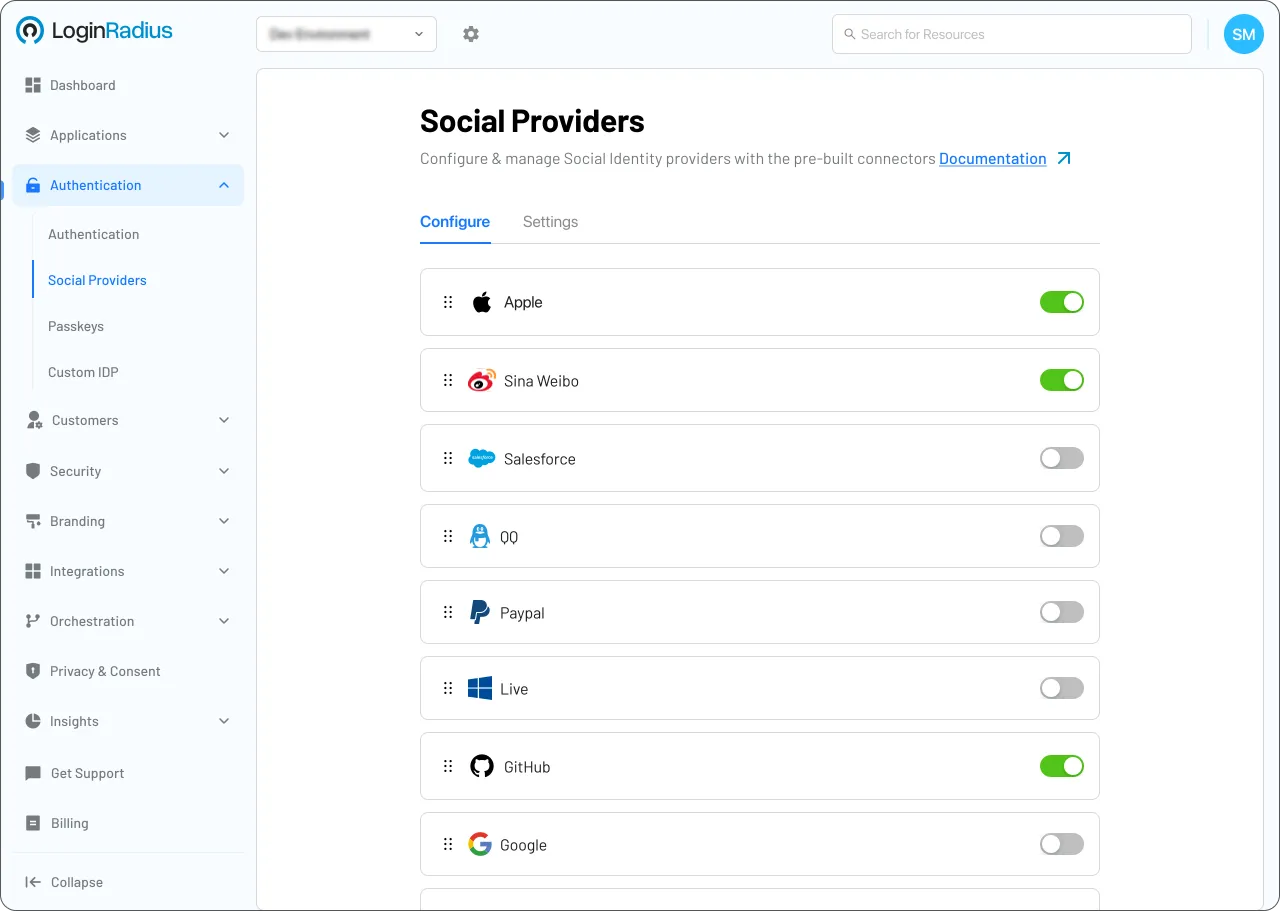
Go to Security > Attack Protection > Bot Protection.
2
Select Google reCAPTCHA and enter your Site/Secret keys.
Trusted by Developers
From Startups to Fortune 500 Companies








Interactive Resources

Detailed Case Study

You might also be interested in
CAPTCHA / reCAPTCHA on other apps

CAPTCHA / reCAPTCHA with Go-zero

CAPTCHA / reCAPTCHA with Coldfusion

CAPTCHA / reCAPTCHA with NestJS

CAPTCHA / reCAPTCHA with Ploymer
Other features for your Phalcon apps

Hosted Pages with Phalcon

Consent Management with Phalcon

Anonymous Login with Phalcon

Risk-Based Authentication with Phalcon
Social Identity Providers for your Phalcon apps

SoundCloud with Phalcon

Bitly with Phalcon

Google App Engine with Phalcon