Bulk User Import on Phoenix LiveView app
Implement Bulk User Import Authentication/Login on your Phoenix LiveView App using LoginRadius
 Phoenix LiveView
 Bulk User Import
Built for Developers
Performs for Enterprise Scale!
Try our platform for free or talk to our CIAM expert to book a customer demo.
1.5B+
Identities
28+
Data Centers
100%
Uptime
100K
RPS Scaling

Start Bulk User Import Implementation Using LoginRadius Admin Console
1
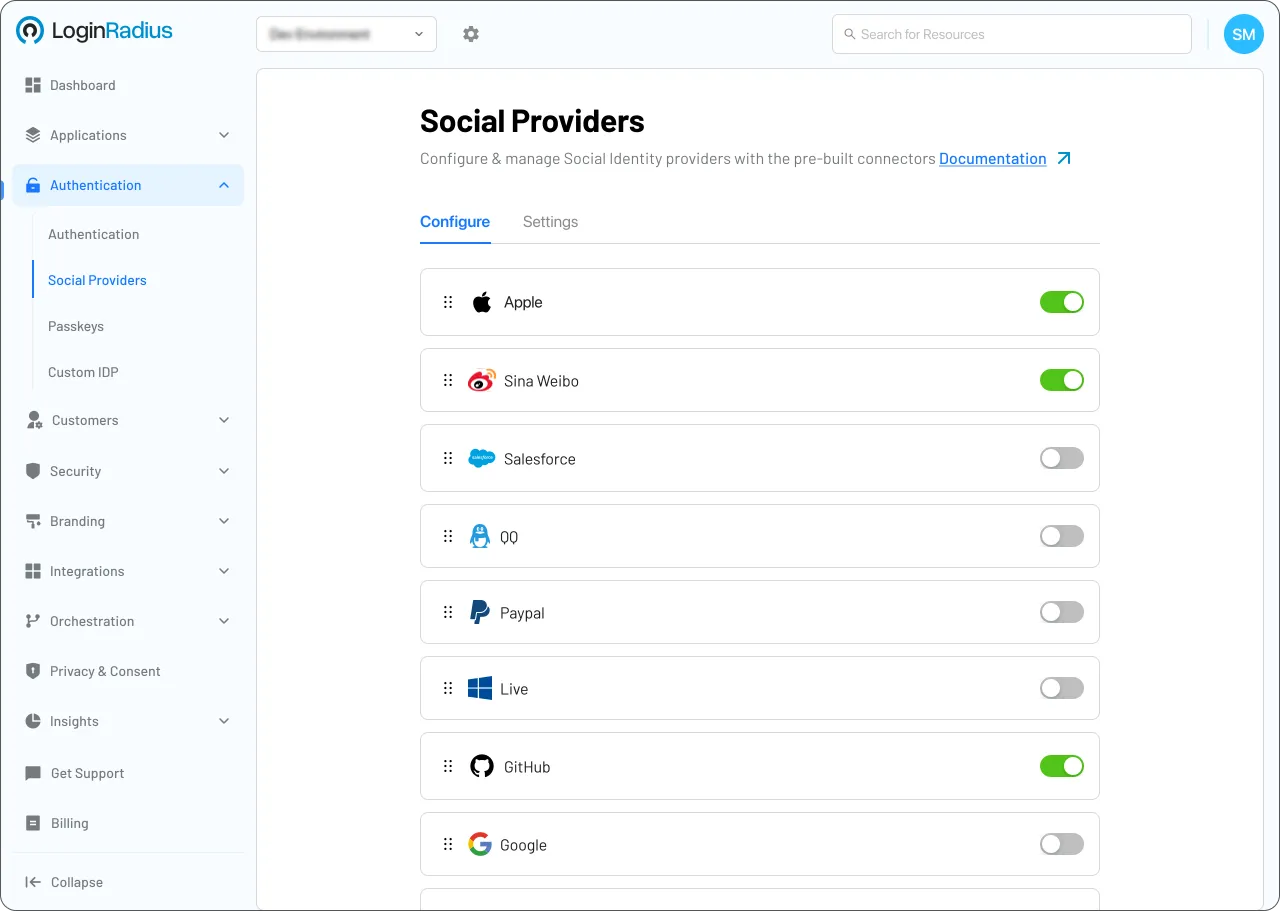
Go to Tenant Management > Migration > Bulk Migration.
2
Upload a formatted CSV file containing your user database.
3
Map the fields to the LoginRadius schema and start the import.
Trusted by Developers
From Startups to Fortune 500 Companies








Interactive Resources


Detailed Case Study

You might also be interested in
Bulk User Import on other apps

Bulk User Import with Deno

Bulk User Import with Struts

Bulk User Import with Buffalo

Bulk User Import with Spring
Other features for your Phoenix LiveView apps

Roles & Permissions (RBAC) with Phoenix LiveView

SCIM Provisioning with Phoenix LiveView

Brute-Force Defense with Phoenix LiveView

Token Hygiene with Phoenix LiveView
Social Identity Providers for your Phoenix LiveView apps

Nintendo with Phoenix LiveView

Truecaller with Phoenix LiveView

Sina Weibo with Phoenix LiveView