Passkeys on React Native app
Implement Passkeys Authentication/Login on your React Native App using LoginRadius
 React Native
 Passkeys
Built for Developers
Performs for Enterprise Scale!
Try our platform for free or talk to our CIAM expert to book a customer demo.
1.5B+
Identities
28+
Data Centers
100%
Uptime
100K
RPS Scaling

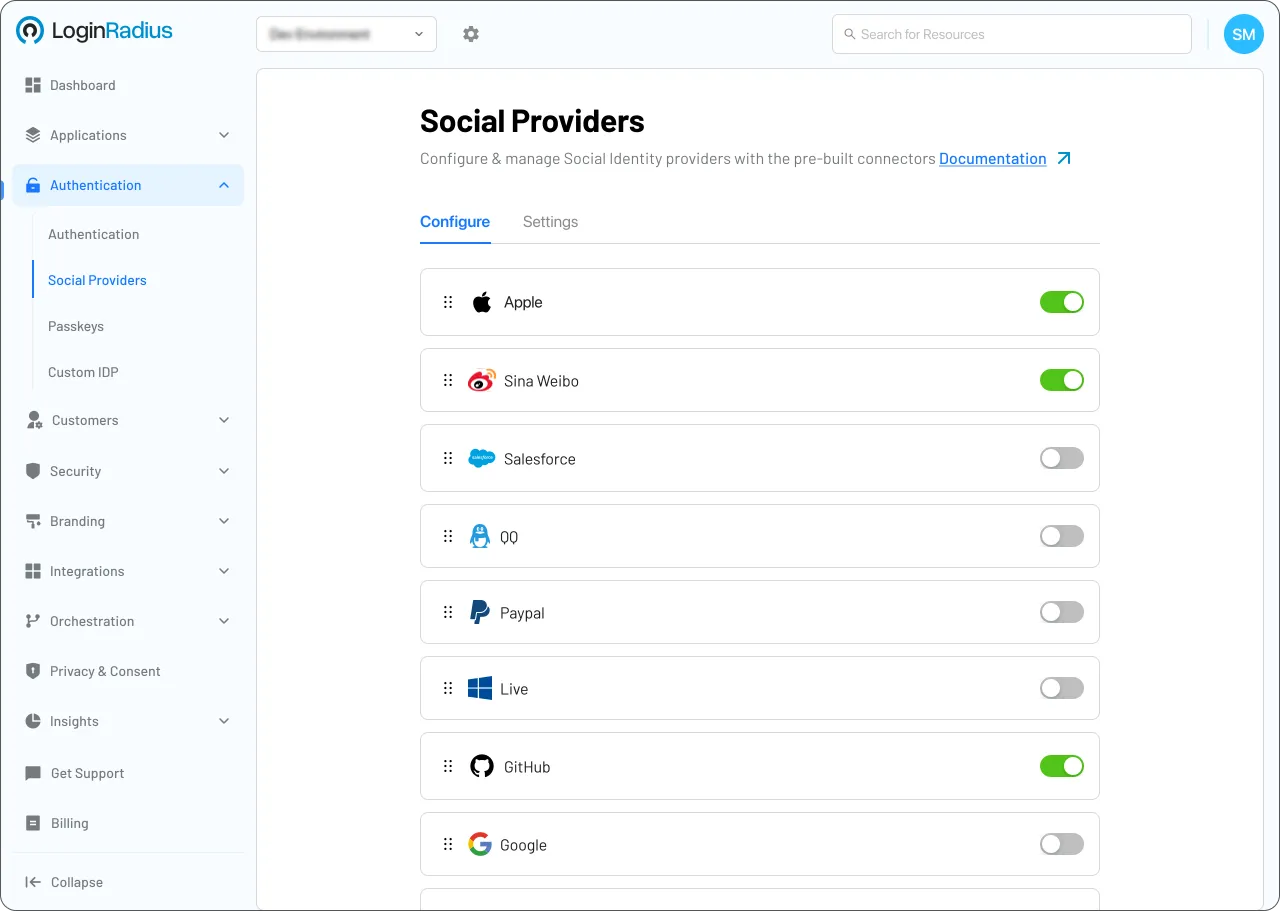
Start Passkeys Implementation Using LoginRadius Admin Console
1
Navigate to Authentication > Authentication Configuration > Passkeys.
2
Toggle Passkey Authentication to Enable.
3
Input your RP ID (Relaying Party ID) and click Update.
Trusted by Developers
From Startups to Fortune 500 Companies








Interactive Resources


Detailed Case Study

You might also be interested in
Passkeys on other apps

Passkeys with Vue

Passkeys with FabFramework

Passkeys with ASP.NET MVC

Passkeys with C Sharp
Other features for your React Native apps

Token Hygiene with React Native

Machine-to-Machine with React Native

Login Analytics with React Native

JavaScript Hooks with React Native
Social Identity Providers for your React Native apps

Active Directory with React Native

Cloud Foundry with React Native

Yammer with React Native