
Custom User Attributes on Ruby on Rails app
Implement Custom User Attributes Authentication/Login on your Ruby on Rails App using LoginRadius
 Ruby on Rails

 Custom User Attributes
Built for Developers
Performs for Enterprise Scale!
Try our platform for free or talk to our CIAM expert to book a customer demo.
1.5B+
Identities
20+
Data Centers
99.99%
Uptime
100K
RPS Scaling

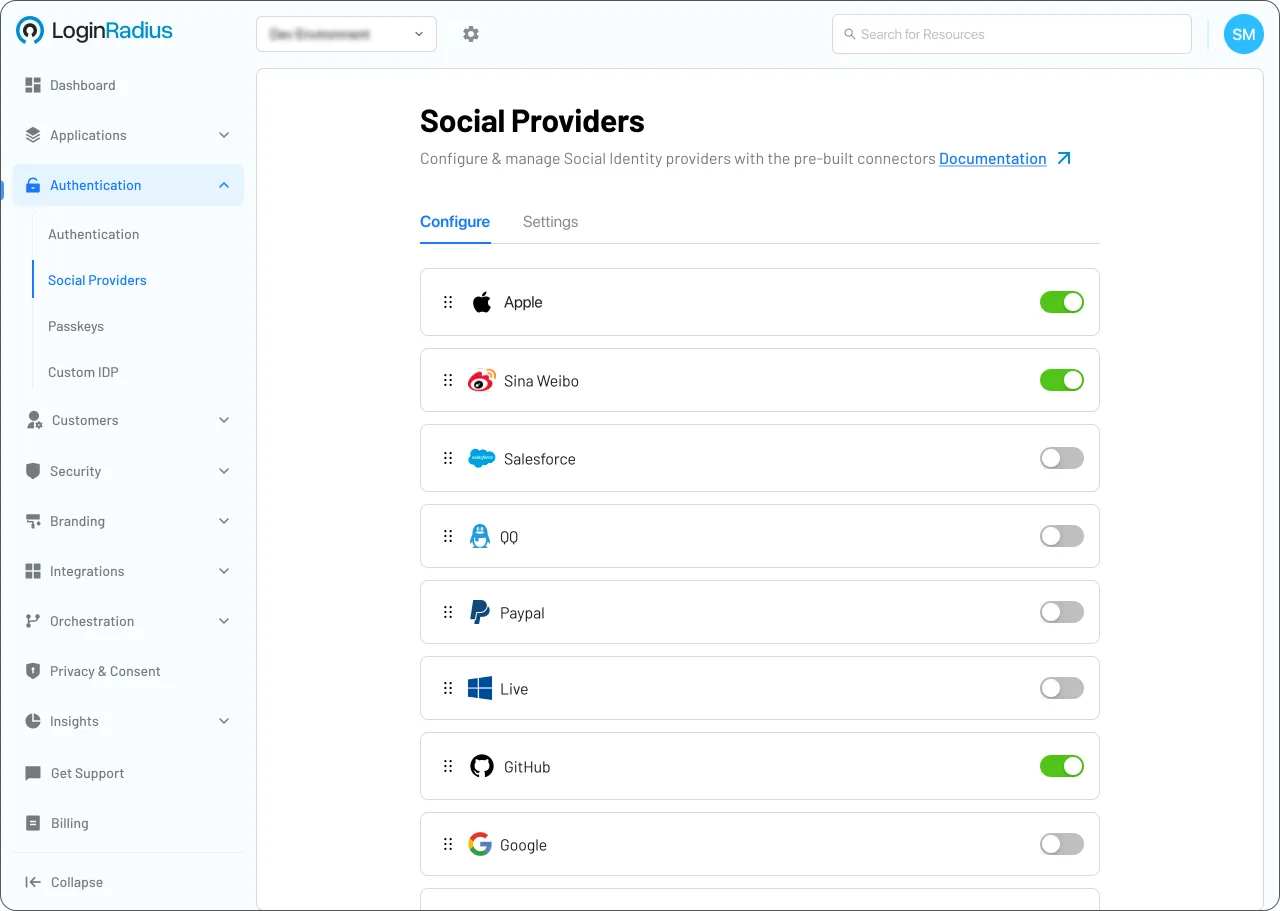
Start Custom User Attributes Implementation Using LoginRadius Admin Console
1
Navigate to Branding > Registration Forms or User Management > Custom Fields in the Admin Console.
2
Create a new field, define its unique name, and select the data type (e.g., string, boolean).
3
Add the field to your registration or profile schemas to begin collecting this data from users.
Trusted by Developers
From Startups to Fortune 500 Companies








Interactive Resources

Detailed Case Study

You might also be interested in
Custom User Attributes on other apps

Custom User Attributes with iOS
Custom User Attributes with Swift

Custom User Attributes with CloudWeGo Hertz

Custom User Attributes with Nameko
Other features for your Ruby on Rails apps
Anonymous Login with Ruby on Rails

Email Login with Ruby on Rails
Custom User Attributes with Ruby on Rails
Progressive Profiling with Ruby on Rails
Social Identity Providers for your Ruby on Rails apps

Withings with Ruby on Rails

Yelp with Ruby on Rails

Zalo with Ruby on Rails