FIDO on Symfony app
Implement FIDO Authentication/Login on your Symfony App using LoginRadius
 Symfony
 FIDO
FIDOBuilt for Developers
Performs for Enterprise Scale!
Try our platform for free or talk to our CIAM expert to book a customer demo.
1.5B+
Identities
28+
Data Centers
100%
Uptime
100K
RPS Scaling

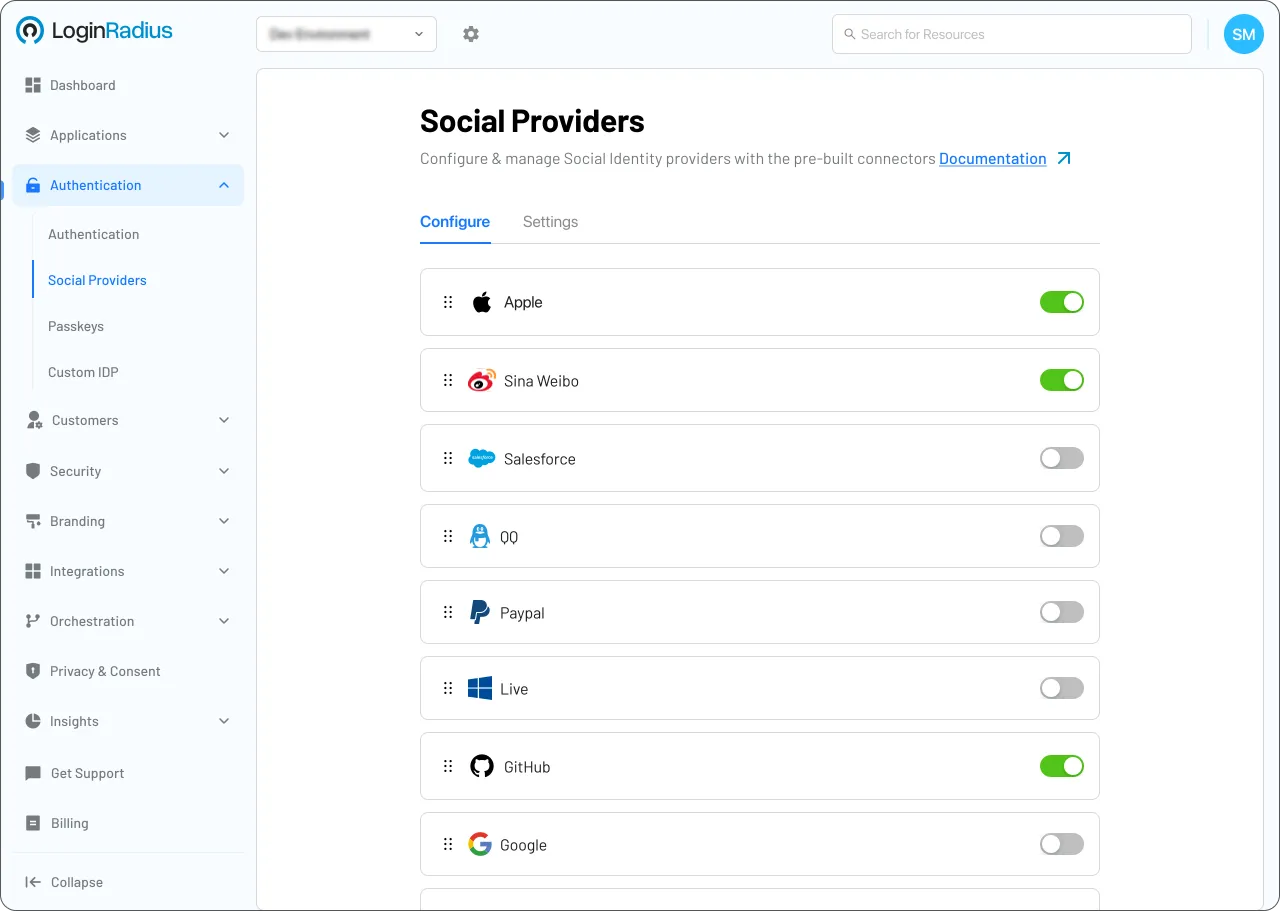
Start FIDO Implementation Using LoginRadius Admin Console
1
Navigate to Authentication > Authentication Configuration > Passkeys.
2
Toggle the Passkey Authentication switch to Enable.
3
Click Update to apply; Touch ID is supported via this FIDO2/WebAuthn framework.
Trusted by Developers
From Startups to Fortune 500 Companies








Interactive Resources


Detailed Case Study

You might also be interested in
FIDO on other apps

FIDO with PHP Fat-Free Framework

FIDO with React Native

FIDO with Kohana

FIDO with Restify
Other features for your Symfony apps

Roles & Permissions (RBAC) with Symfony

Biometric Authentication with Symfony

Multi-Tenant Support with Symfony

Passkeys with Symfony
Social Identity Providers for your Symfony apps

Google G-Suite with Symfony

Kakao with Symfony

Foursquare with Symfony