LoginRadius As An Identity Provider
Offer your customers a more convenient, personalized experience by setting up a custom identity provider
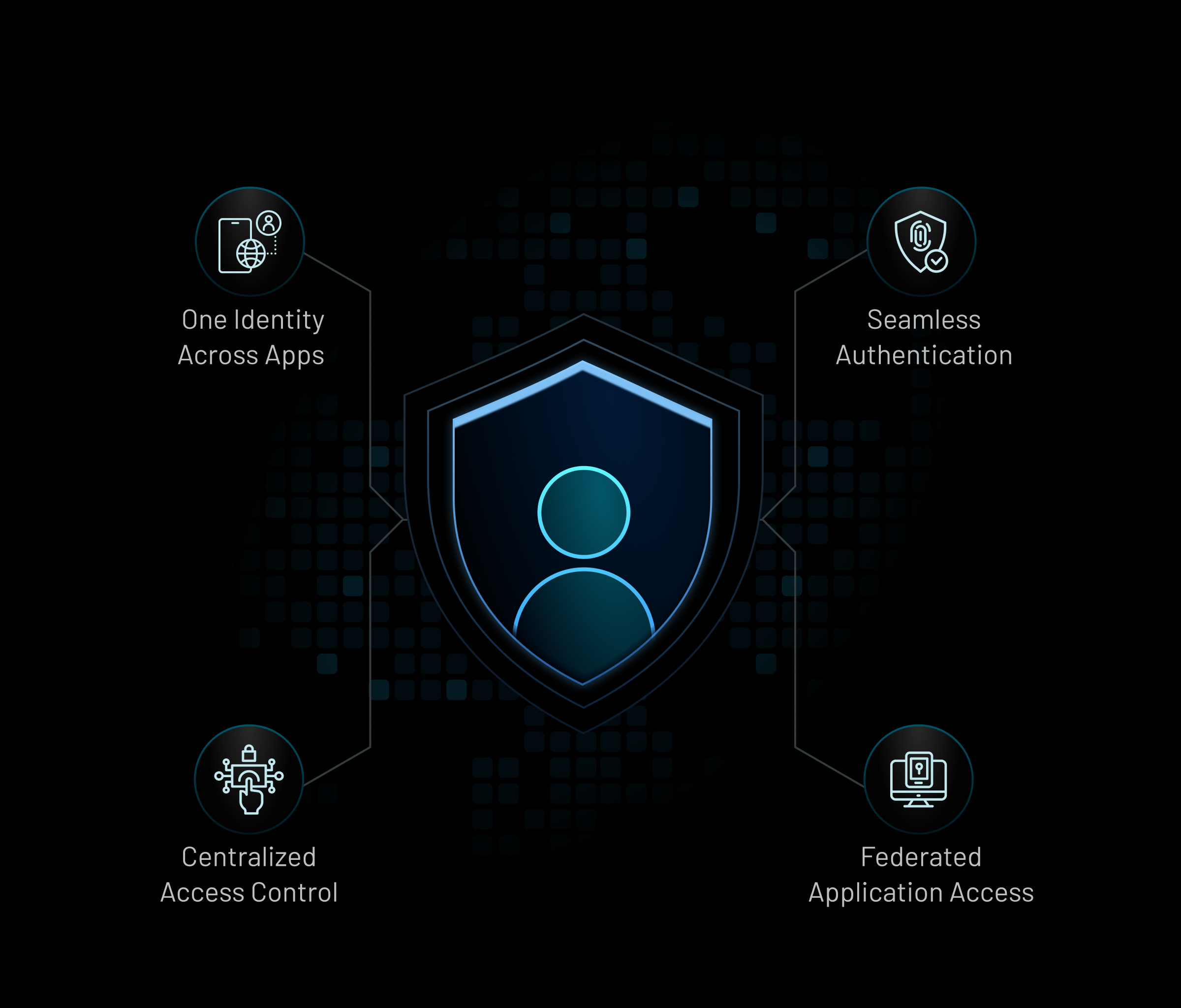
Why LoginRadius as your Identity Provider
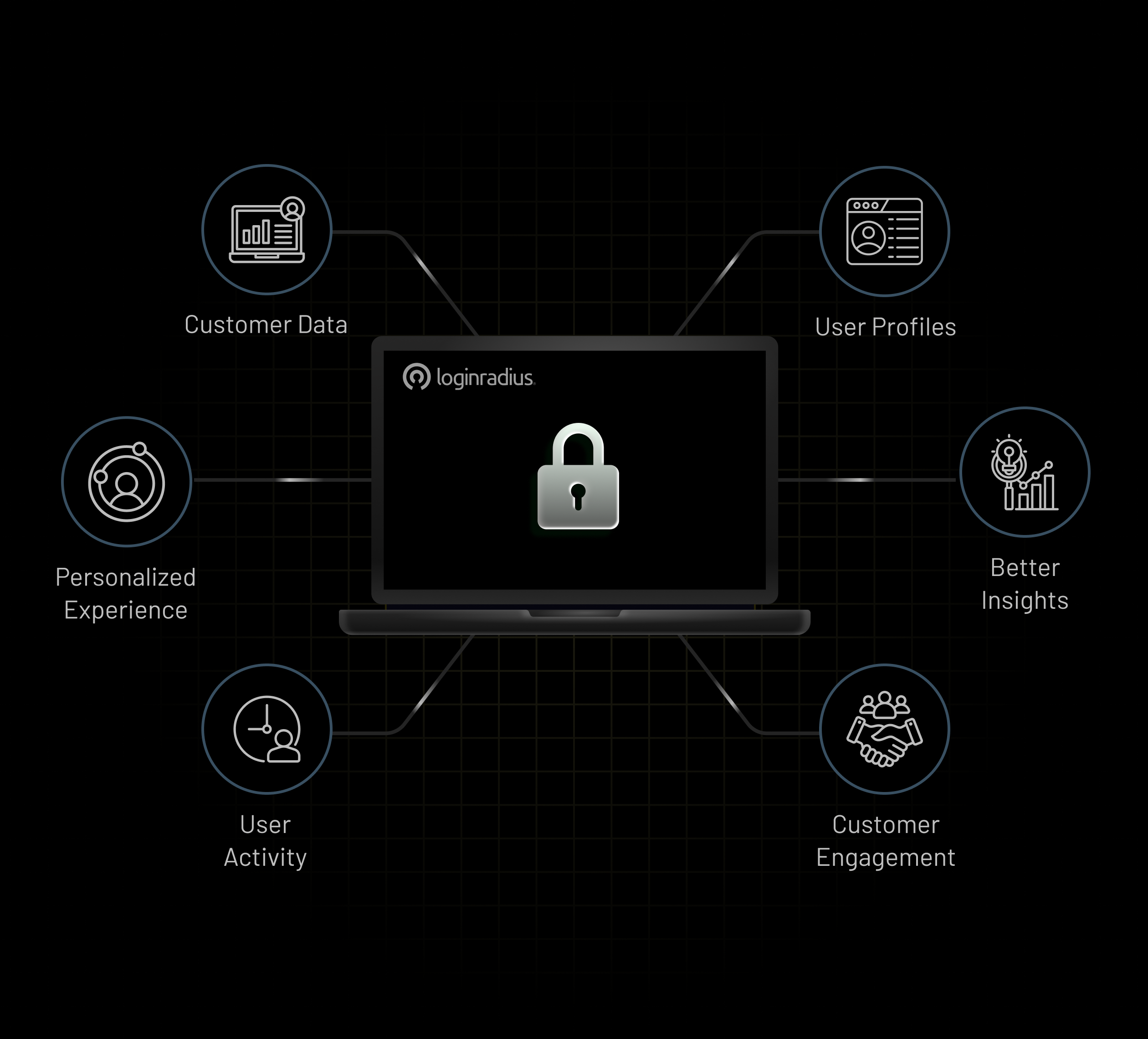
Get Valuable First-Party Data
With a custom identity provider, you get the valuable first-party data that is being collected through the authentication source. This is essentially a win-win situation, where your customers can easily sign up and enjoy the benefits of having an account with you, and you can gather additional data that you would otherwise not have access to.
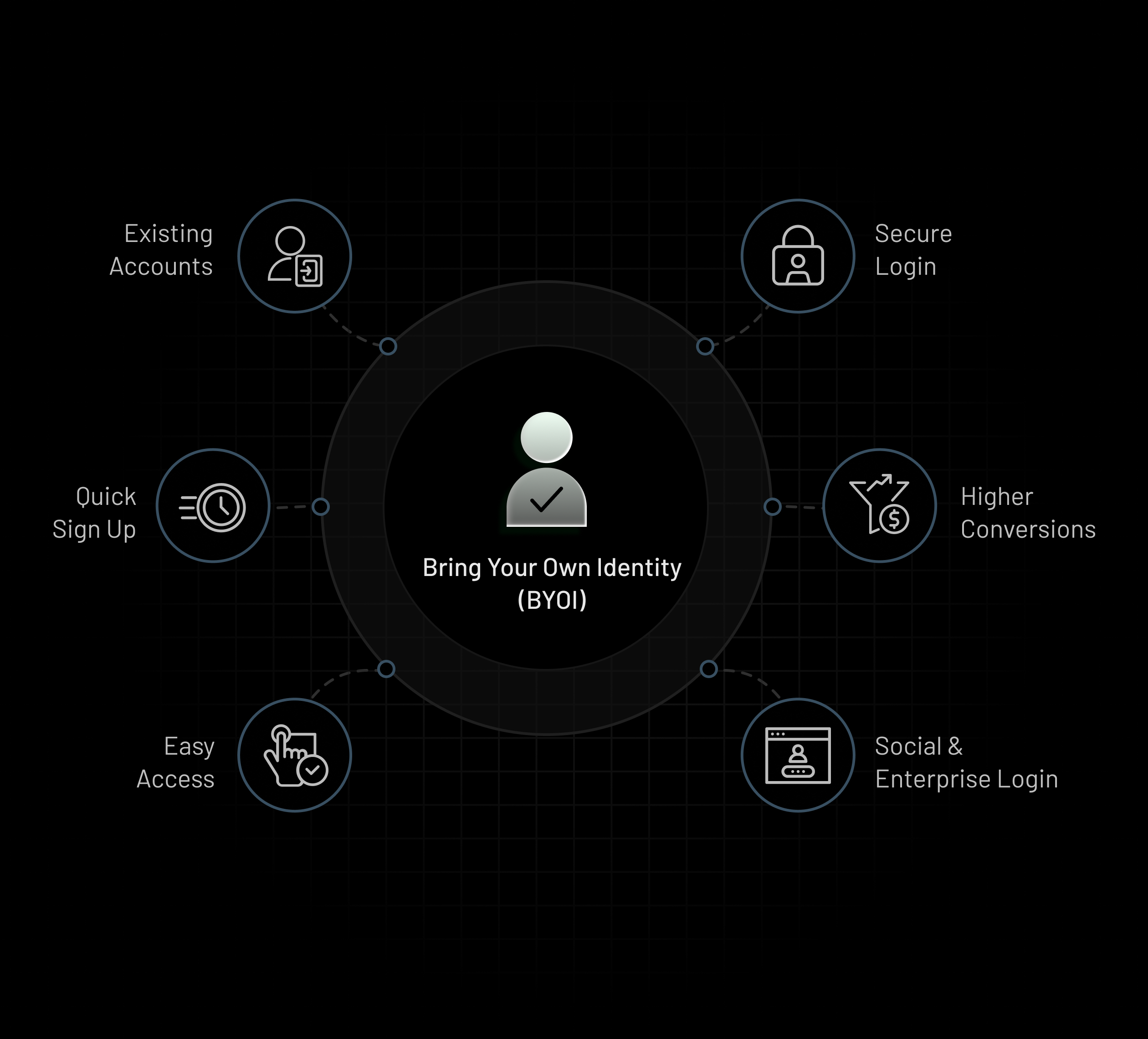
Why Bring Your Own Identity?
BYOI lets you provide a way for customers to use an account they already have, rather than creating a new one. By allowing your customers to log in with an existing set of credentials, you are making it simple and effortless for them to sign up for an account with you, increasing your overall conversion rate.
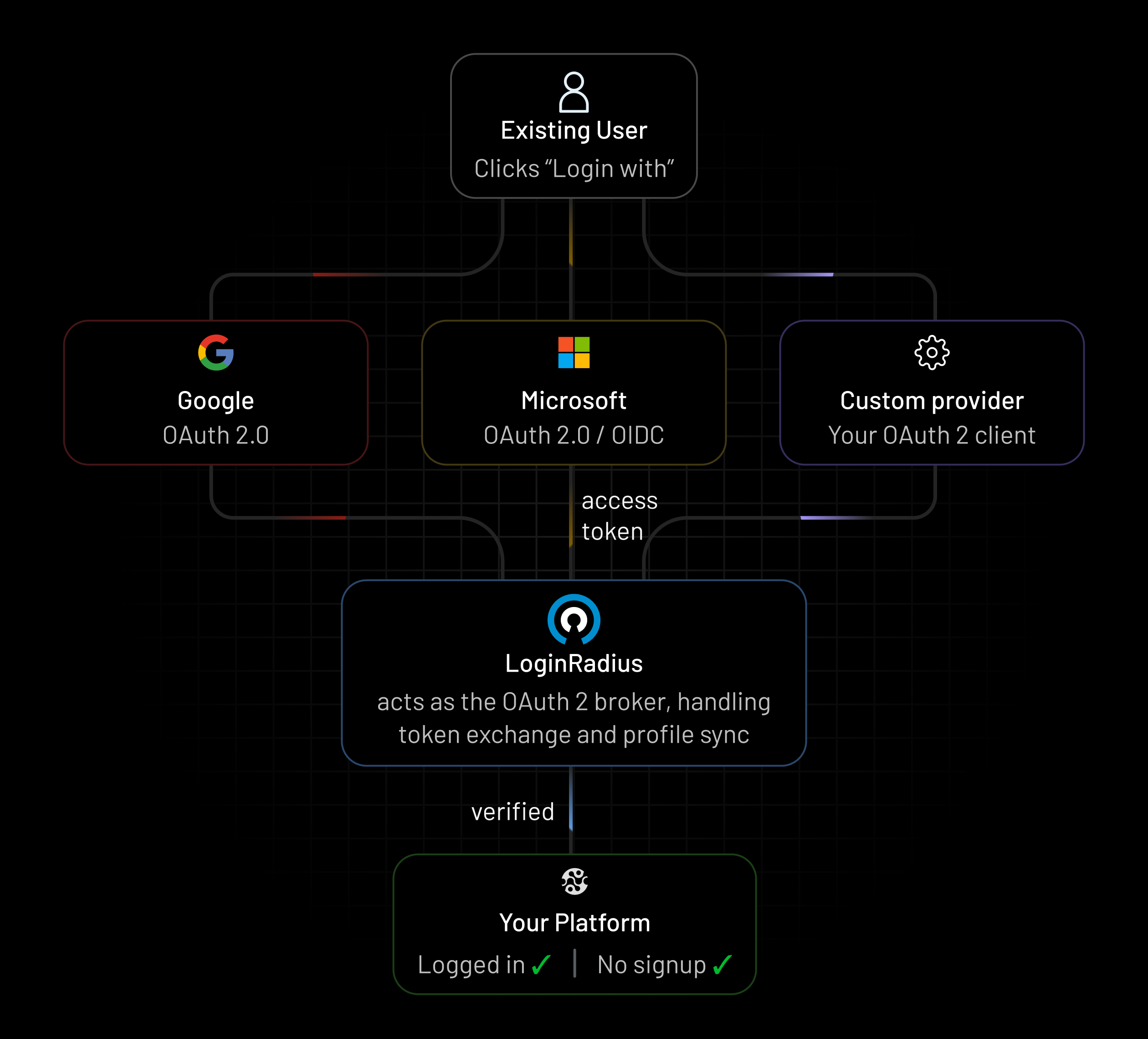
Integrate Your App With Any OAuth 2.0 client
You can set up customized login providers for your website, where customers can use an existing account to log in, rather than going through the process of setting up a new account on your web properties.
JIT Provisioning
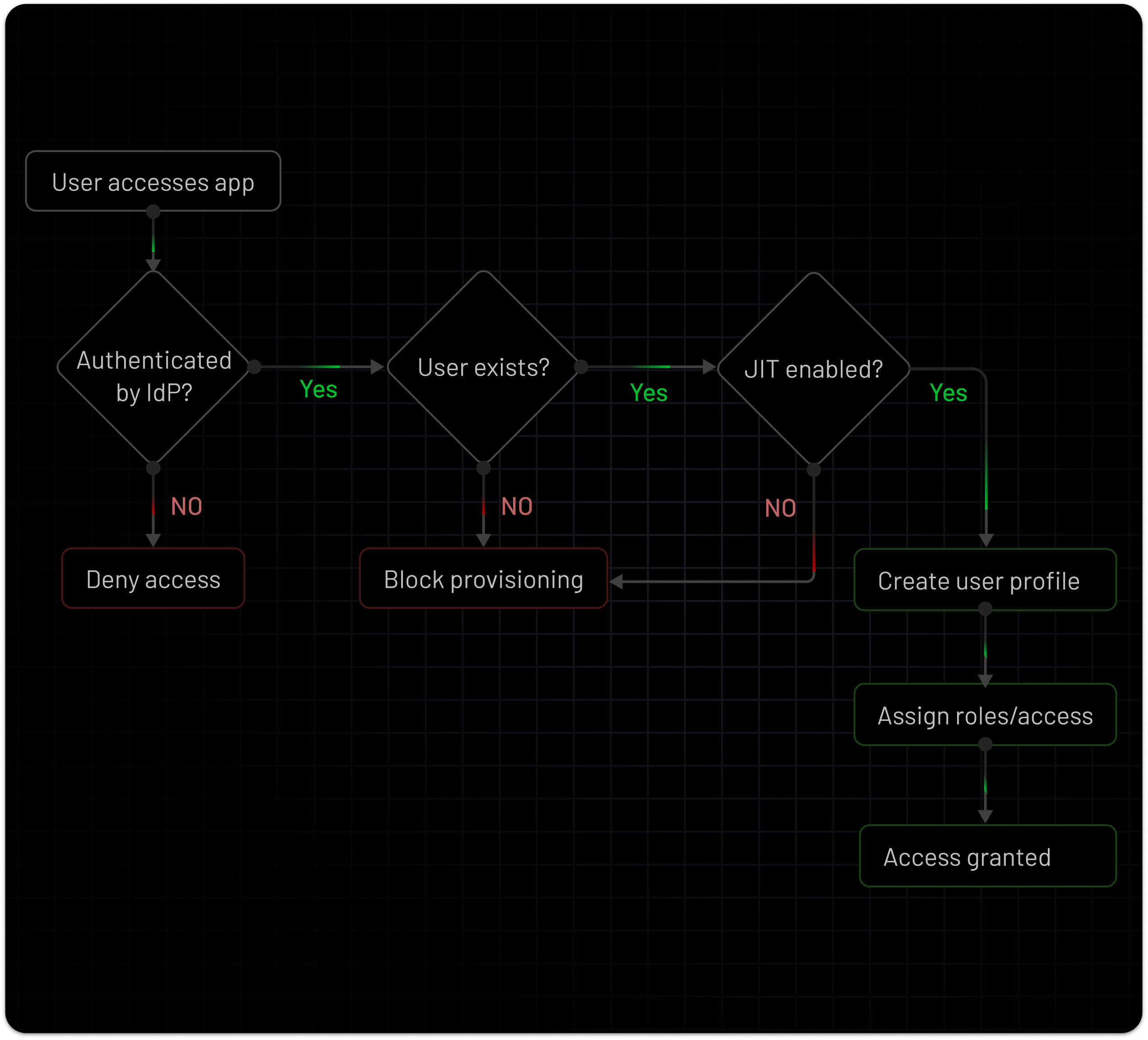
Automatically provision user profiles at the time of authentication using inbound IdP assertions. With JIT provisioning, LoginRadius creates and updates user records in real time based on IdP-issued claims, eliminating the need for pre-provisioning.
Account Linking
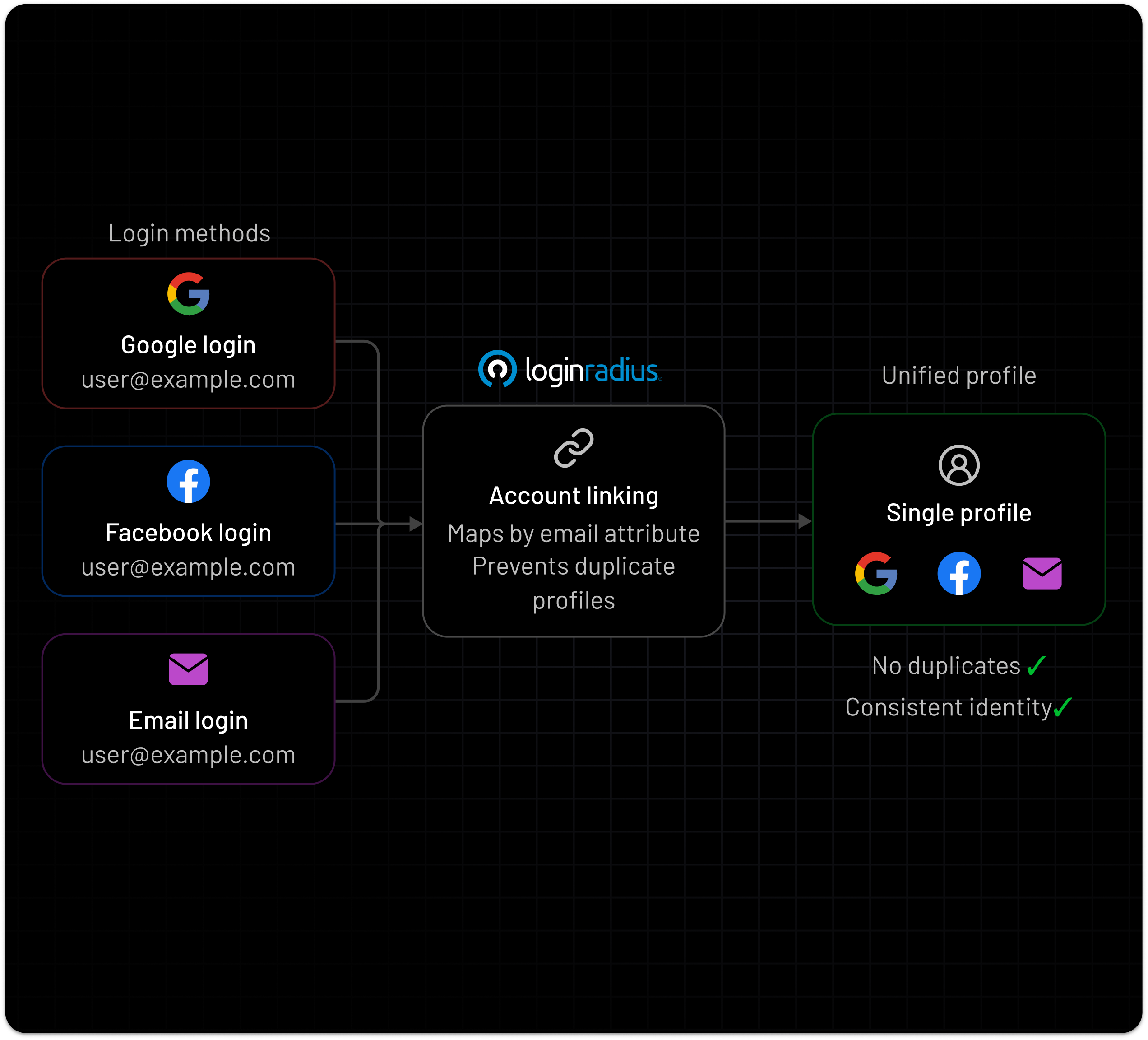
Consolidate multiple identities into a single user profile using verified identifiers. When users authenticate via different identity providers, LoginRadius maps and links accounts based on unique attributes (such as email), preventing duplicates while maintaining a consistent identity record across login methods.
How Does LoginRadius Work With Identity Providers?
LoginRadius acts both as a service provider (receiving the credentials from a third party) and an identity provider (relaying the authentication and verification to the website)
Receive log in request
LoginRadius, as the SP, receives the customer’s request to log in with the third-party provider.
Check with Identity Provider
The third-party provider then sends the identity authentication details to LoginRadius with the approval to authorize the customer.
Receive Authorization Token
LoginRadius receives the identity and authorization from the third-party provider to log the customer in.Authenticate the Customer
LoginRadius, now acting as the IDP, sends this identity information to the website to enable it to authenticate the customer.